
Pick any two devices in the ViewHarbour catalogue and put their key differences side by side — storage, RAM, Wi-Fi, Ethernet, Dolby support, operating system and the suitability ratings we use around the site.
Your choices are saved in the page URL, so you can come back to the same comparison or send it to someone else. If you haven’t made a shortlist yet, try the Device Finder or start with our current picks.
Compare two devices
Pick any two current ViewHarbour devices and see the practical differences that affect everyday use.
What the numbers do — and don’t — tell you
More is not always better. Storage is room for apps and data; RAM is working memory; Ethernet gives you a built-in wired network connection. A bigger number in one row does not automatically make that device the better choice for your TV.
The suitability categories are our editorial guidance, not speed-test results. If a manufacturer doesn’t publish a specification, we leave that uncertainty visible rather than turning an unknown into a zero.
Before buying, check the exact generation, the apps you need and the UK retailer listing. Some features also depend on your subscription, television and audio equipment.
Comparisons people are searching for
Start with the head-to-heads currently attracting the strongest search demand.
 Comparisons
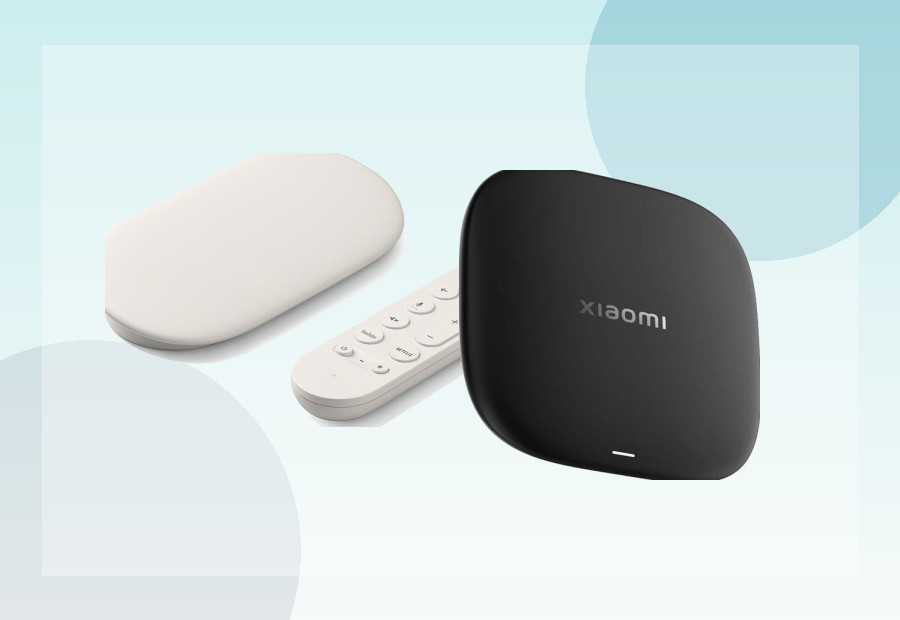
Google TV Streamer vs Xiaomi TV Box S 3rd Gen: Which Wins?
Google TV Streamer and Xiaomi TV Box S both give you 32GB storage, but Google adds 4GB RAM and Gigabit Ethernet while Xiaomi targets a lower price. We compare the hardware and the trade-offs.
Read guide →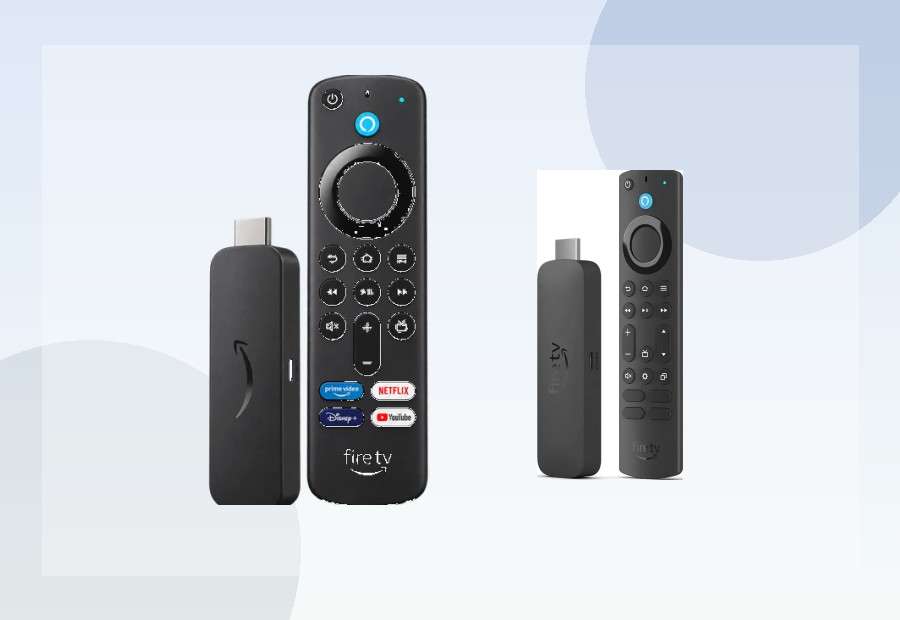 Comparisons
Fire TV Stick 4K Plus vs 4K Max: Which Is Better? (UK 2026)
The 4K Max and 4K Plus share the same Fire TV family, but the Max doubles the storage to 16GB and adds Wi-Fi 6E. We look at whether those upgrades are worth the extra money for your setup.
Read guide →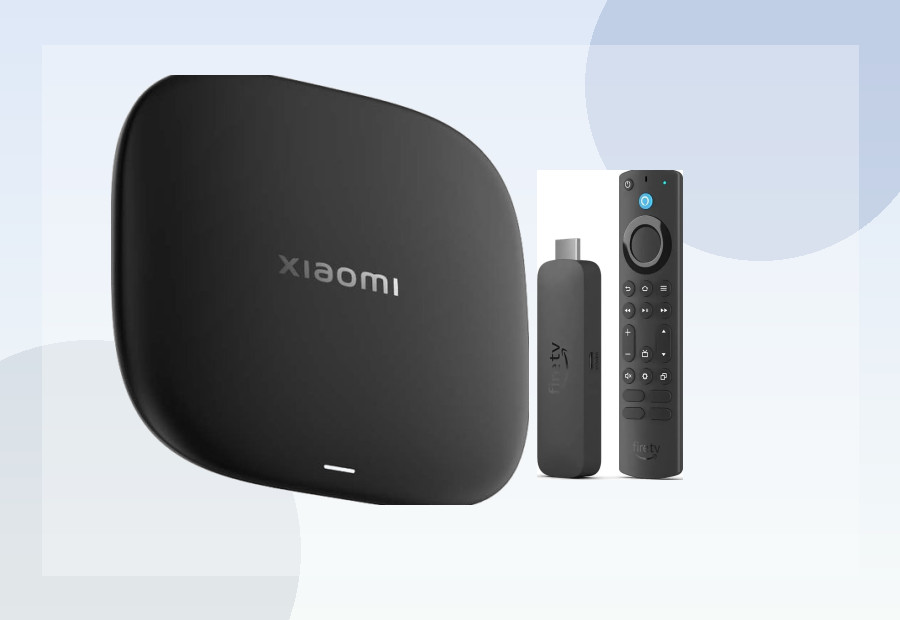 Comparisons
Xiaomi TV Box S 3rd Gen vs Fire TV Stick 4K Max (UK)
Xiaomi’s TV Box S and Amazon’s Fire TV Stick 4K Max both offer 4K streaming, but the form factor, software, storage and networking are quite different. Here’s what changes in a real buying decision.
Read guide →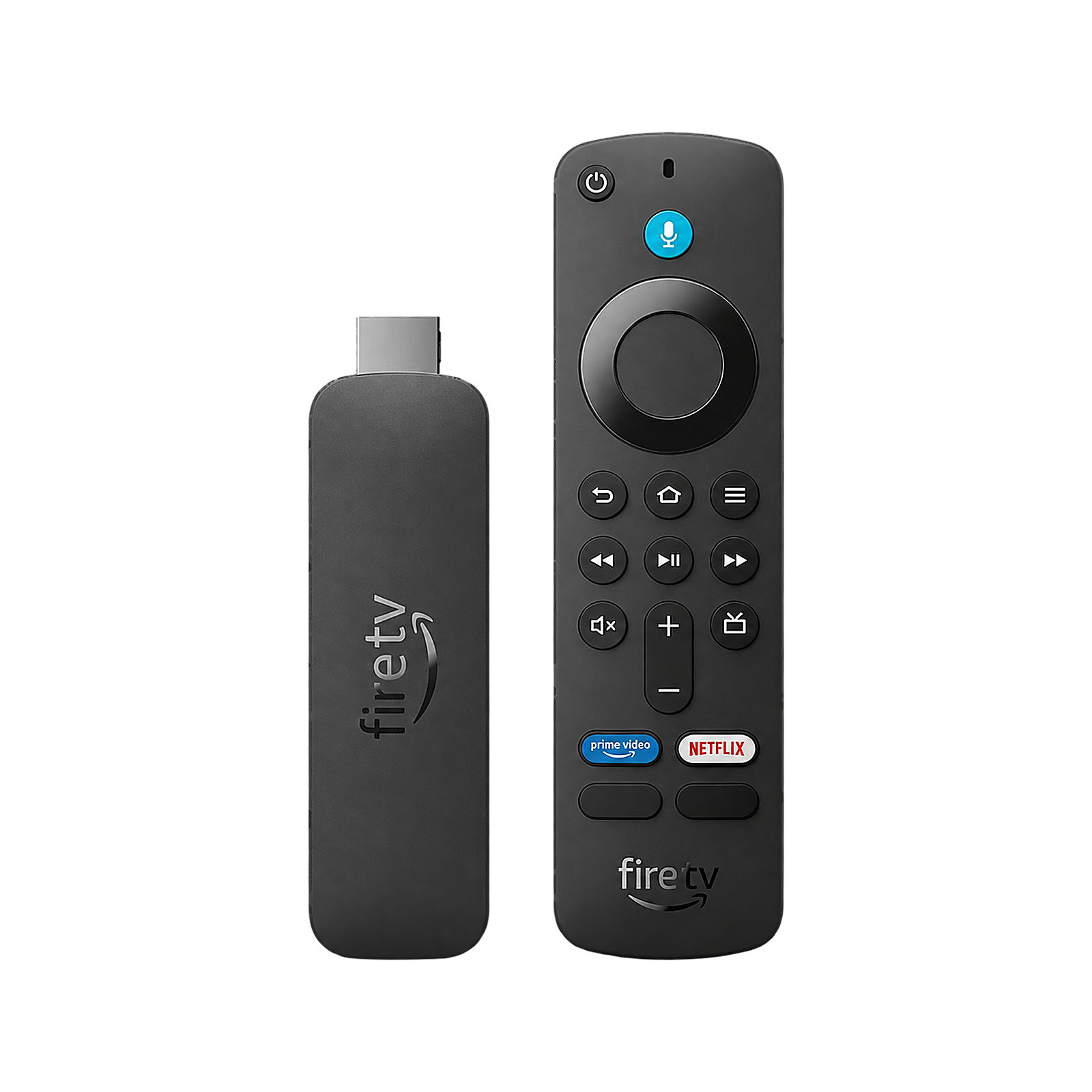 Comparisons
Fire TV Stick 4K Select vs 4K Max UK 2026: Which Is Better?
The 4K Select and 4K Max may both be Fire TV sticks, but they’re built around different software and hardware. Here’s how Vega OS, Fire OS, storage, RAM, Wi-Fi and Dolby Vision change the choice.
Read guide → Comparisons
Fire TV Stick 4K Select vs 4K Plus UK 2026: Which Should You Buy?
Fire TV Stick 4K Select and 4K Plus sit close together in Amazon’s range, but Vega OS and Fire OS make them less alike than the names suggest. We compare the software, RAM, Wi-Fi, Dolby support and value.
Read guide →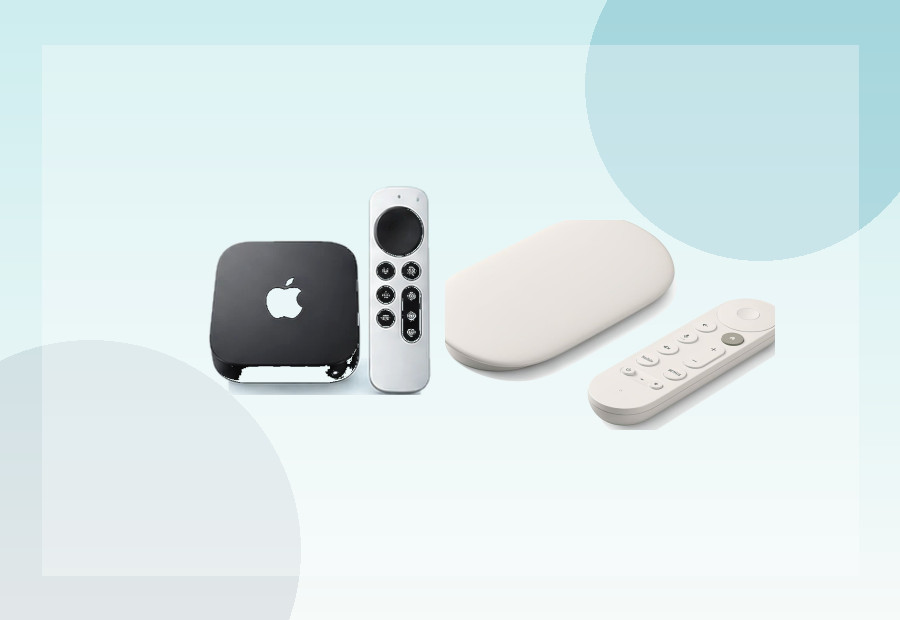 Comparisons
Apple TV 4K vs Google TV Streamer (UK)
Apple TV 4K and Google TV Streamer are both premium boxes, but they make different bets on platform, storage, Ethernet and smart-home integration. Here’s where each one fits best.
Read guide →