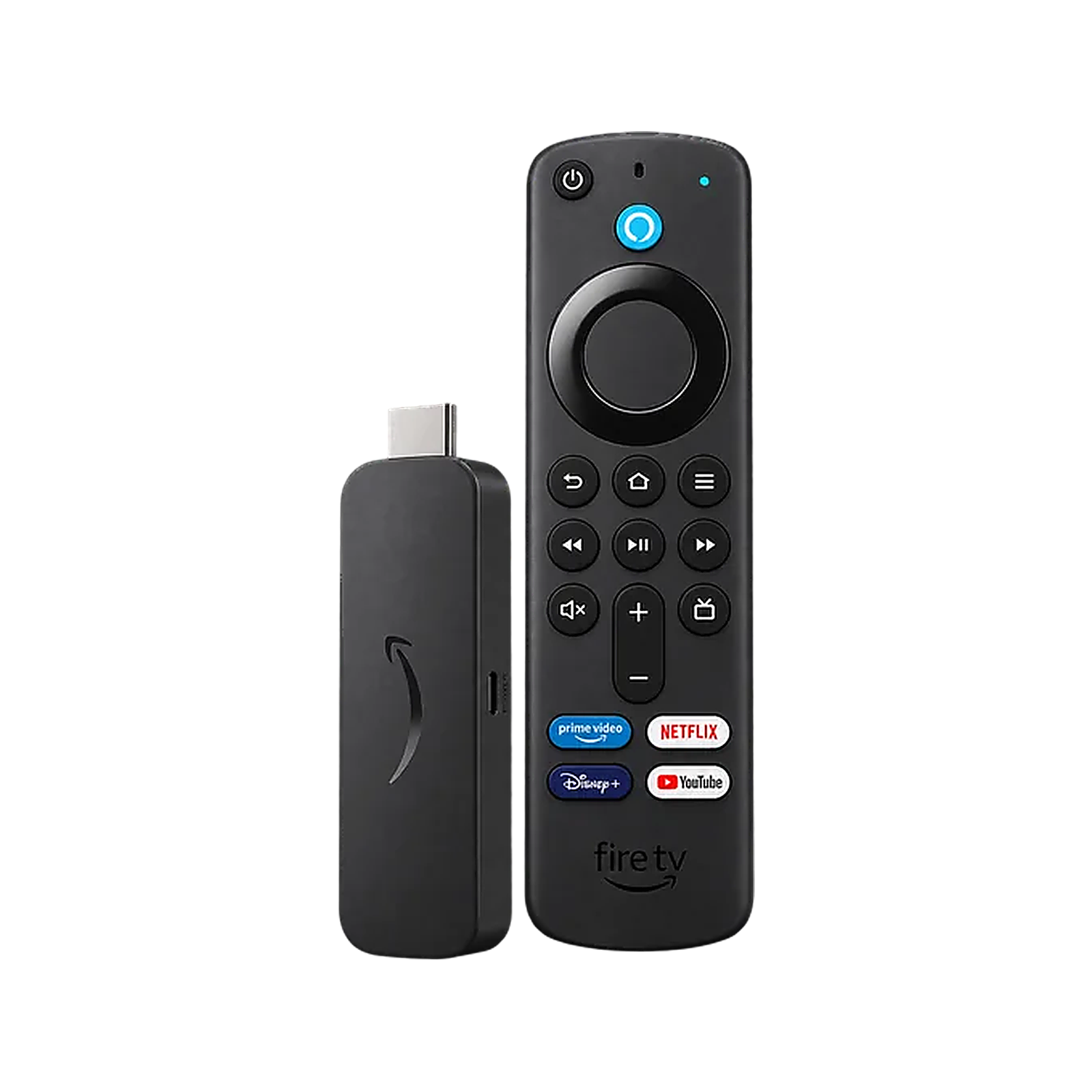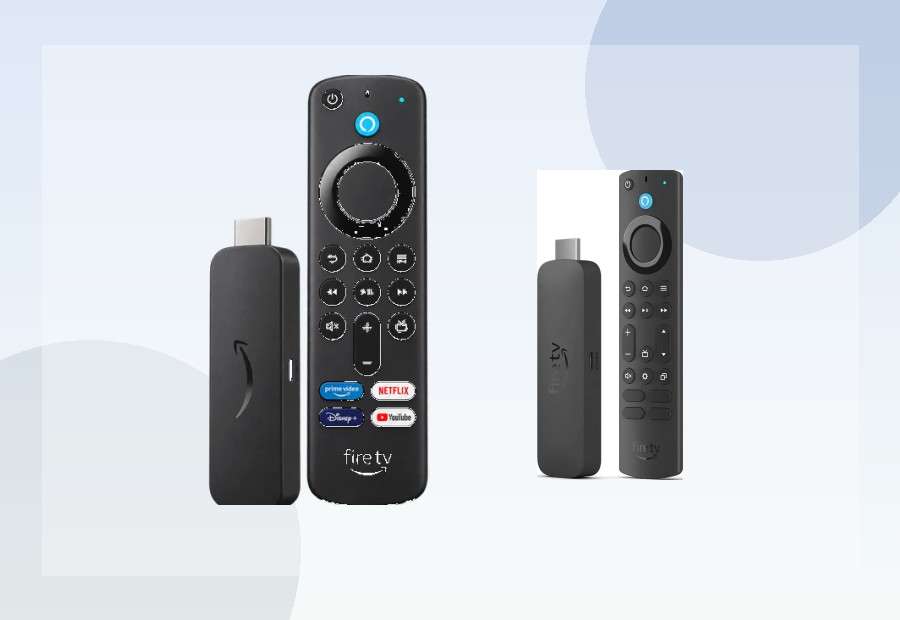
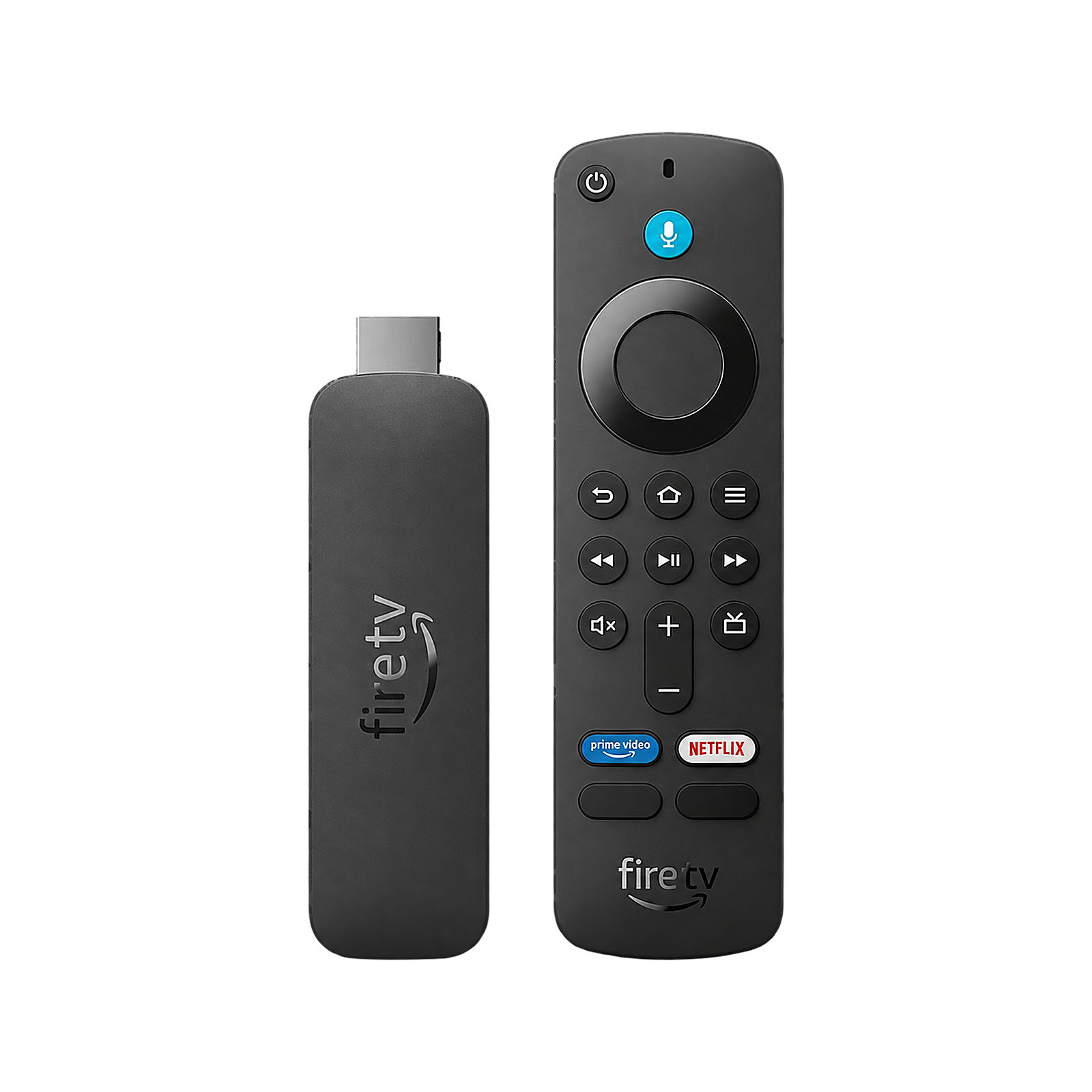
The names make these two sticks sound very similar, but Fire TV Stick 4K Select vs 4K Plus is really a comparison between two different software directions. The Select runs Amazon’s newer Vega OS 1.1; the Plus runs Fire OS 8, which is Android-based.
Fire TV Stick 4K Select vs 4K Plus: key differences
| Feature | Fire TV Stick 4K Select | Fire TV Stick 4K Plus |
|---|---|---|
| Operating system | Vega OS 1.1 | Fire OS 8 (Android 11 base) |
| RAM | 1GB | 2GB |
| Storage | 8GB | 8GB |
| Wi-Fi | Wi-Fi 5 | Wi-Fi 6 |
| 4K | Yes | Yes |
| HDR10 / HDR10+ | Yes | Yes |
| Dolby Vision | No | Yes |
| Android APK sideloading | No normal consumer APK installation | Yes, subject to Fire OS settings and Amazon policies |
| Best for | Budget mainstream streaming | Most Fire TV buyers |
The operating system is the biggest difference
The 4K Select is one of Amazon’s Vega OS streaming sticks. Vega is not Android-based Fire OS, so traditional Android APK files and the familiar Fire TV sideloading workflow do not carry over.
The 4K Plus uses Fire OS 8 with an Android 11 base. For buyers who care about app flexibility, this is a major advantage. Amazon’s platform policies can still change and individual apps may be restricted, but Fire OS remains the more flexible environment for normal consumer Android APK installation.
If sideloading matters, the answer is straightforward: choose the 4K Plus, not the 4K Select.
Performance and memory
Both sticks use quad-core Cortex-A55-class processors up to 1.7GHz, but the Plus has 2GB RAM while the Select has 1GB.
That does not automatically mean the Plus will feel twice as fast, because the operating systems are different, but it gives the Plus more memory headroom for apps and multitasking. For a main television, that is the specification ViewHarbour would rather have.
Storage: both have 8GB
Neither device wins on headline storage. Amazon specifies 8GB for both. Some of that space is used by the system, updates and app data, so heavy users should also consider the 4K Max, which increases storage to 16GB.
Wi-Fi 6 vs Wi-Fi 5
The 4K Plus supports Wi-Fi 6; the Select uses Wi-Fi 5. A stable Wi-Fi 5 connection is already fast enough for normal 4K streaming, so this is not a reason by itself to replace a working device.
Wi-Fi 6 is still the better specification for a new purchase, particularly in busy homes with a compatible router and lots of connected devices.
Dolby Vision makes the Plus better for compatible TVs
Both support 4K, HDR10, HDR10+ and HLG, but the 4K Plus also supports Dolby Vision. If your television and streaming subscriptions make use of Dolby Vision, the Plus is the clear choice.
If your TV only supports standard HDR10/HDR10+, the Select’s lack of Dolby Vision may not matter in practice.
Which is better for mainstream apps?
If you only use major services from the Amazon Appstore, the Select may cover everything you need. App availability can change, however, and Vega OS has a smaller and newer app ecosystem than long-established Fire OS.
The Plus is the safer choice when you use niche apps, want broader compatibility, or simply do not want to check whether every service you use has a Vega version before buying.
Fire TV Stick 4K Select: who should buy it?
- Buyers who find it substantially cheaper than the 4K Plus.
- People who only use mainstream streaming services.
- Secondary-TV users who want basic 4K HDR streaming.
- Anyone comfortable with Vega OS and no normal Android APK sideloading.
Fire TV Stick 4K Plus: who should buy it?
- Most people choosing a Fire TV stick for their main television.
- Buyers who want Dolby Vision.
- People who want normal Fire OS app flexibility and APK sideloading.
- Homes with Wi-Fi 6 routers.
- Anyone who wants 2GB RAM rather than 1GB.
ViewHarbour verdict
Choose the Fire TV Stick 4K Plus unless the Select is significantly cheaper and you know its limitations do not affect you. The Plus offers the more mature app platform, twice the RAM, stronger wireless networking and Dolby Vision without sacrificing the familiar Fire TV experience.
Choose the 4K Select for a low-cost secondary TV or simple mainstream streaming setup where Vega OS app availability is sufficient and sideloading is irrelevant.
Read our Fire TV Stick 4K Select review UK, see the Fire TV Stick 4K Plus review, compare the 4K Select device verdict, or use the ViewHarbour Device Finder.