
Pick any two devices in the ViewHarbour catalogue and put their key differences side by side — storage, RAM, Wi-Fi, Ethernet, Dolby support, operating system and the suitability ratings we use around the site.
Your choices are saved in the page URL, so you can come back to the same comparison or send it to someone else. If you haven’t made a shortlist yet, try the Device Finder or start with our current picks.
Compare two devices
Pick any two current ViewHarbour devices and see the practical differences that affect everyday use.
What the numbers do — and don’t — tell you
More is not always better. Storage is room for apps and data; RAM is working memory; Ethernet gives you a built-in wired network connection. A bigger number in one row does not automatically make that device the better choice for your TV.
The suitability categories are our editorial guidance, not speed-test results. If a manufacturer doesn’t publish a specification, we leave that uncertainty visible rather than turning an unknown into a zero.
Before buying, check the exact generation, the apps you need and the UK retailer listing. Some features also depend on your subscription, television and audio equipment.
New 2026 comparisons
For recently added streaming boxes, read our STRONG LEAP S4 vs S3PRO guide, MECOOL MEon1 vs Xiaomi TV Box S (3rd Gen) comparison, and Formuler Z12 Ultra SE vs Ultra breakdown. These are specification-based comparisons, not hands-on test results.
Comparisons people are searching for
Start with the head-to-heads currently attracting the strongest search demand.
 Comparisons
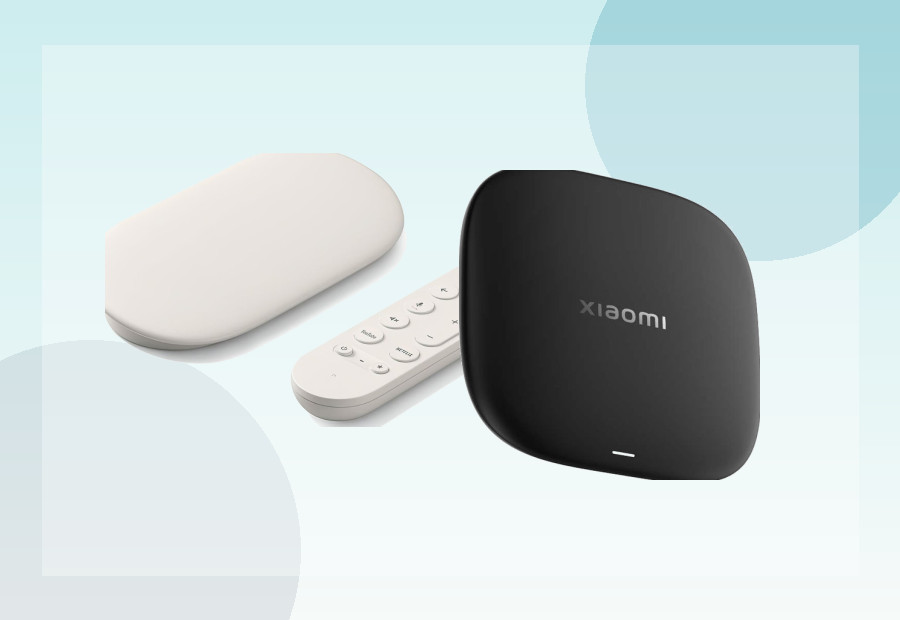
Google TV Streamer vs Xiaomi TV Box S (3rd Gen)
Google TV Streamer (4K) vs Xiaomi TV Box S (3rd Gen): a researched UK comparison of RAM, storage, Ethernet, HDR, ports and value.
Read guide →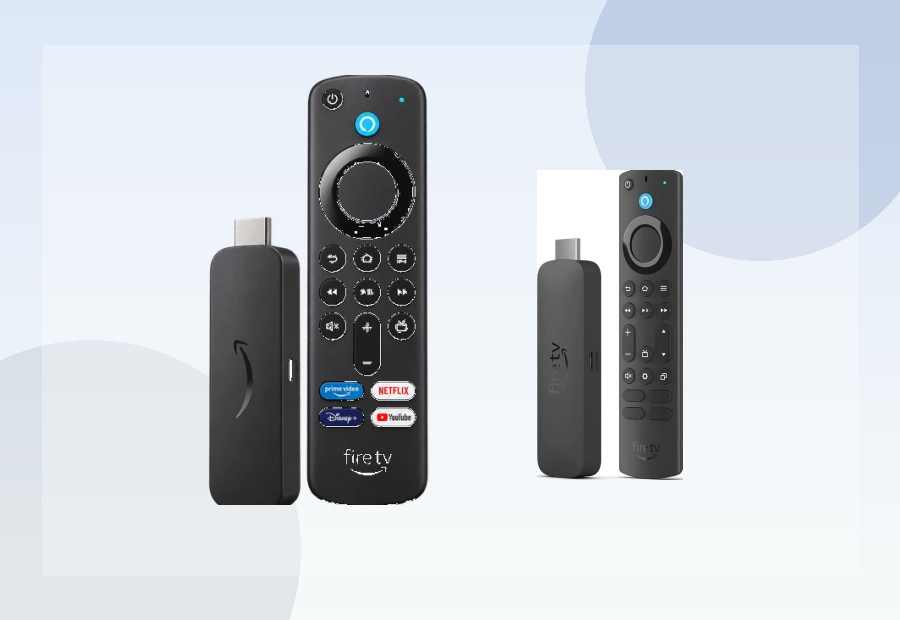 Comparisons
Fire TV Stick 4K Plus vs 4K Max: Which Should You Buy? (UK 2026)
Fire TV Stick 4K Plus vs 4K Max: compare 8GB vs 16GB storage, Wi-Fi 6 vs Wi-Fi 6E, performance and features. Find out which Fire TV stick is the better UK buy in 2026.
Read guide →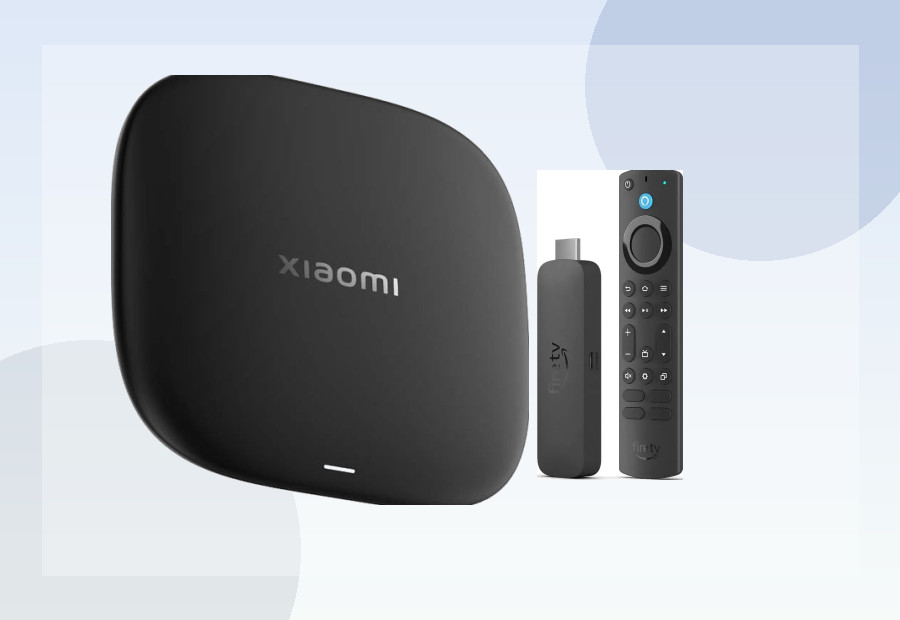 Comparisons
Xiaomi TV Box S (3rd Gen) vs Fire TV Stick 4K Max: Which Is Better in the UK?
Xiaomi TV Box S (3rd Gen) vs Fire TV Stick 4K Max (2nd Gen): compare storage, Wi-Fi, software, ports, HDR and which suits different UK buyers.
Read guide →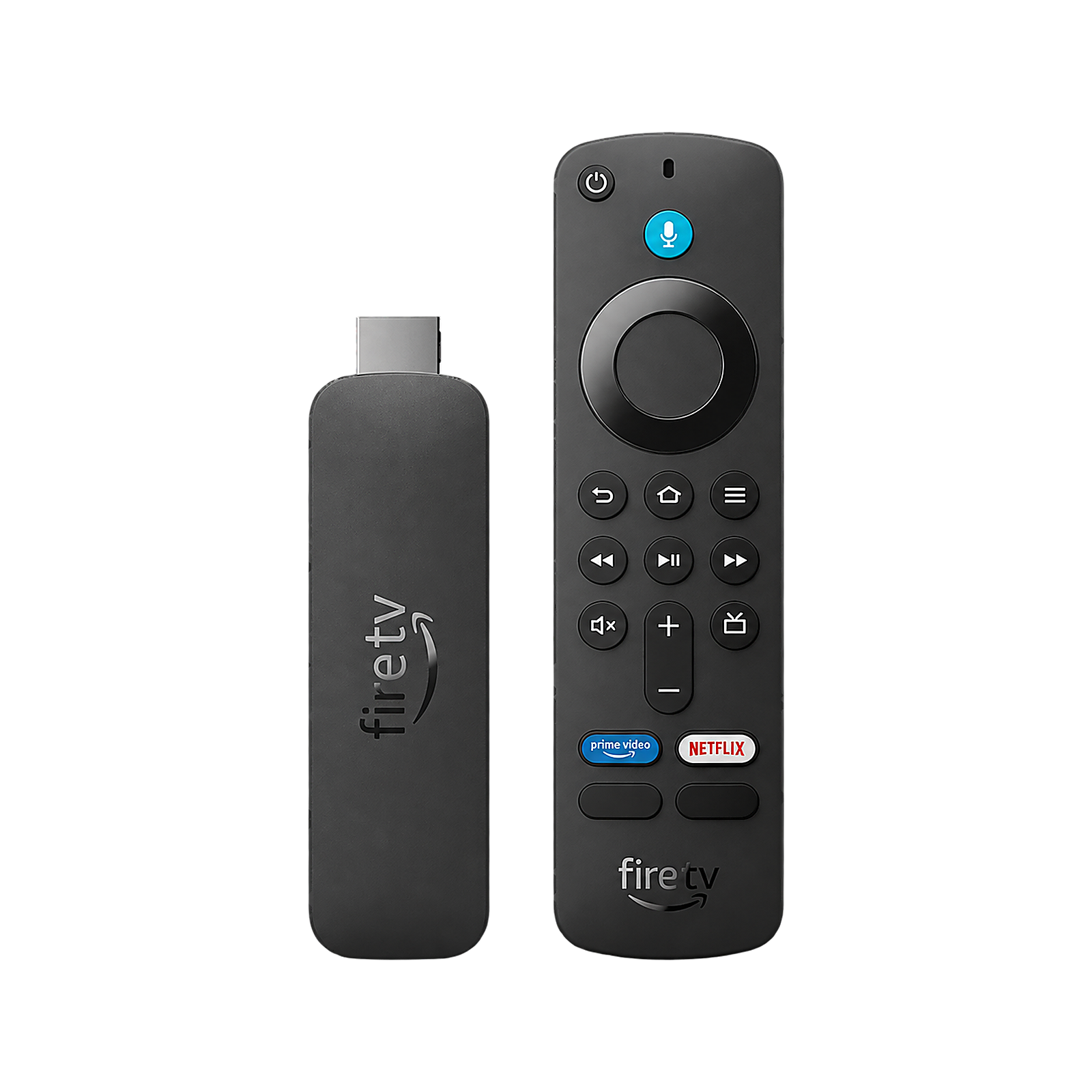 Comparisons
Fire TV Stick 4K Select vs 4K Max UK: Which Is Better?
Fire TV Stick 4K Select vs 4K Max: compare Vega OS and Fire OS, RAM, storage, Wi-Fi, Dolby Vision and app flexibility before you buy.
Read guide → Comparisons
Fire TV Stick 4K Select vs 4K Plus UK 2026: Which Should You Buy?
Fire TV Stick 4K Select vs 4K Plus UK 2026: compare Vega OS vs Fire OS, RAM, storage, Wi-Fi and Dolby support to choose the better Amazon stick.
Read guide →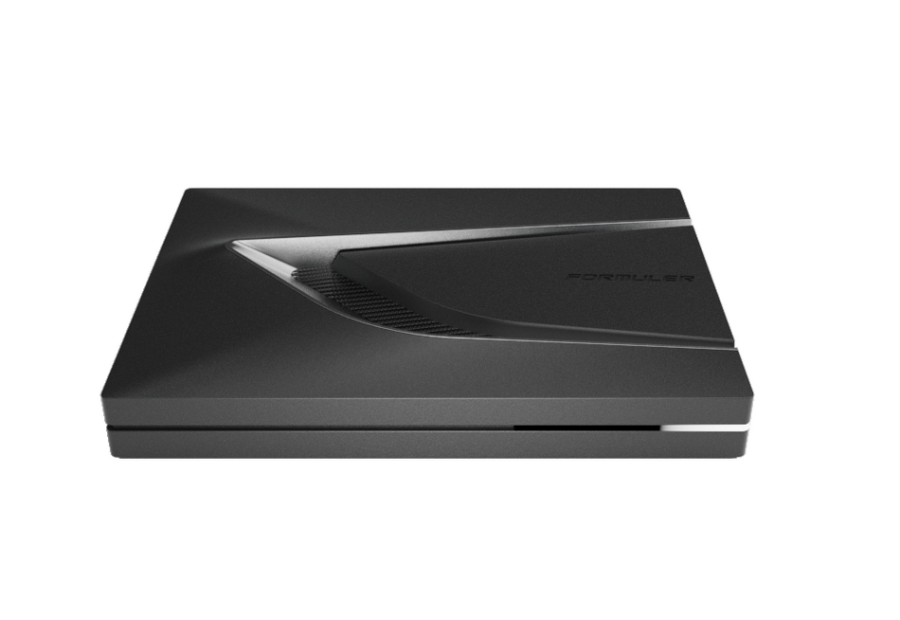 Comparisons
Formuler Z12 Ultra SE vs Z12 Ultra UK: Which 2026 Box?
Formuler Z12 Ultra SE vs Z12 Ultra UK: 2GB/64GB or 4GB/128GB? Compare Wi-Fi 6E, MYTVOnline, recording and what the extra capacity really buys.
Read guide →