UK buyer’s guide · updated November 2026. This comparison is based on published specifications and platform documentation, not hands-on testing.
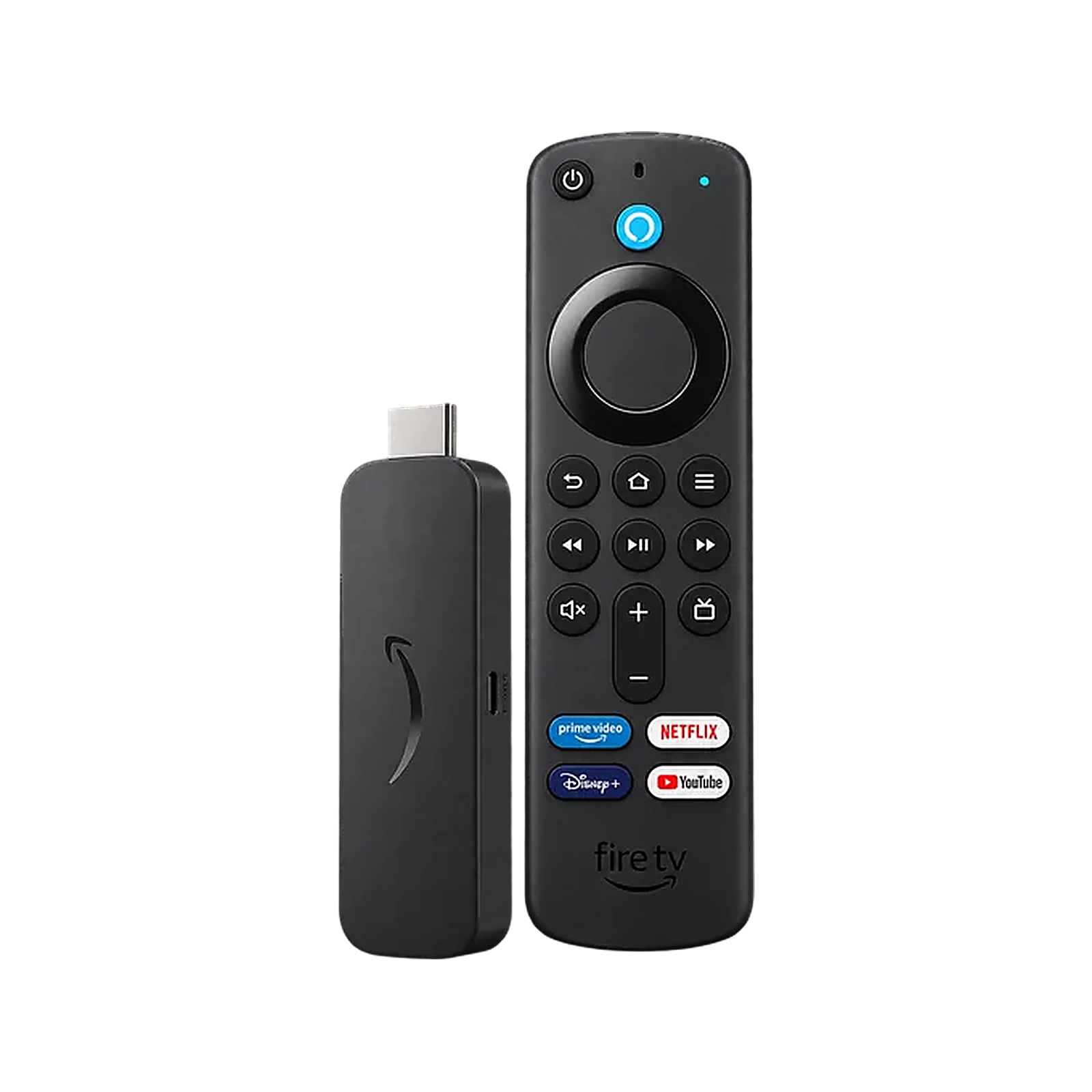
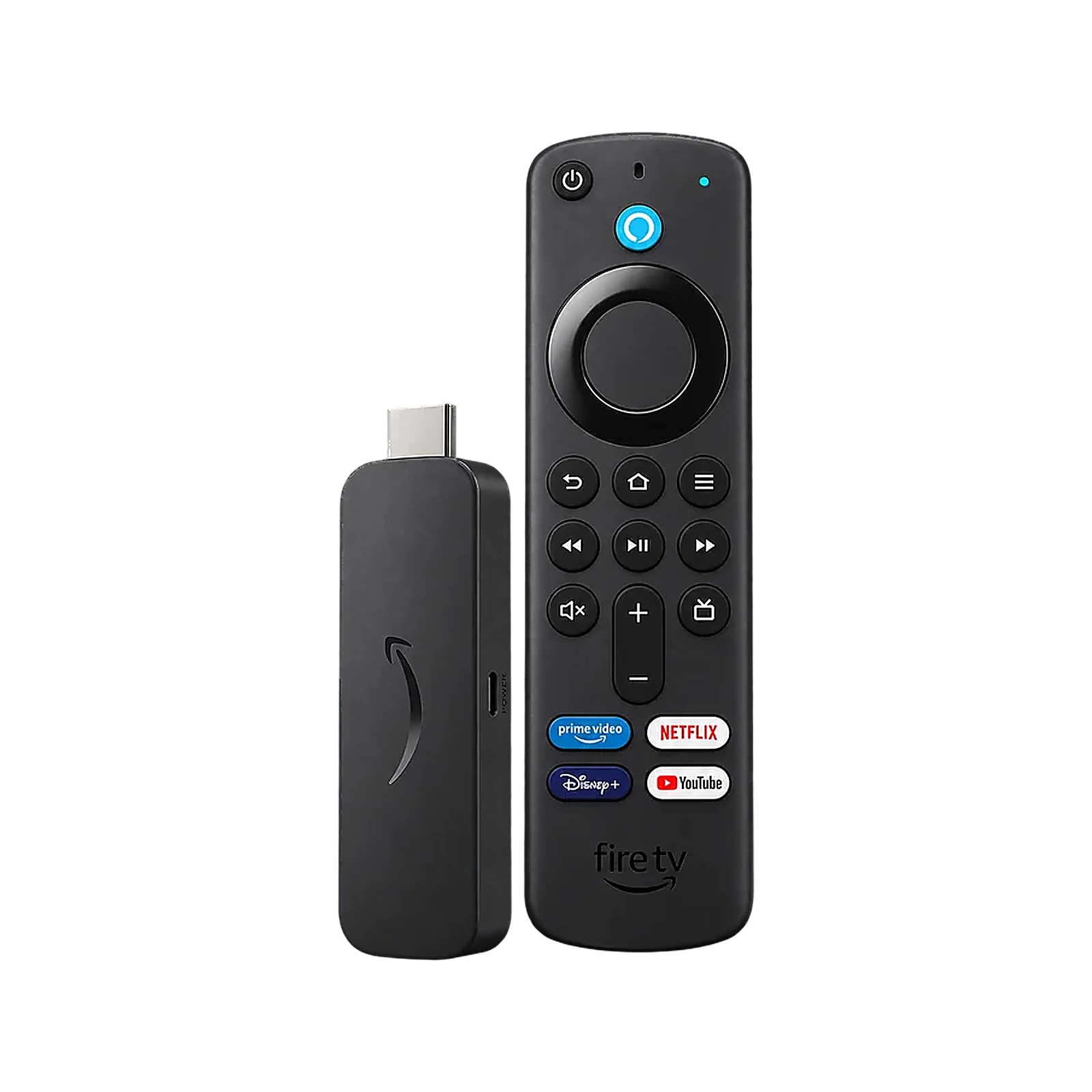
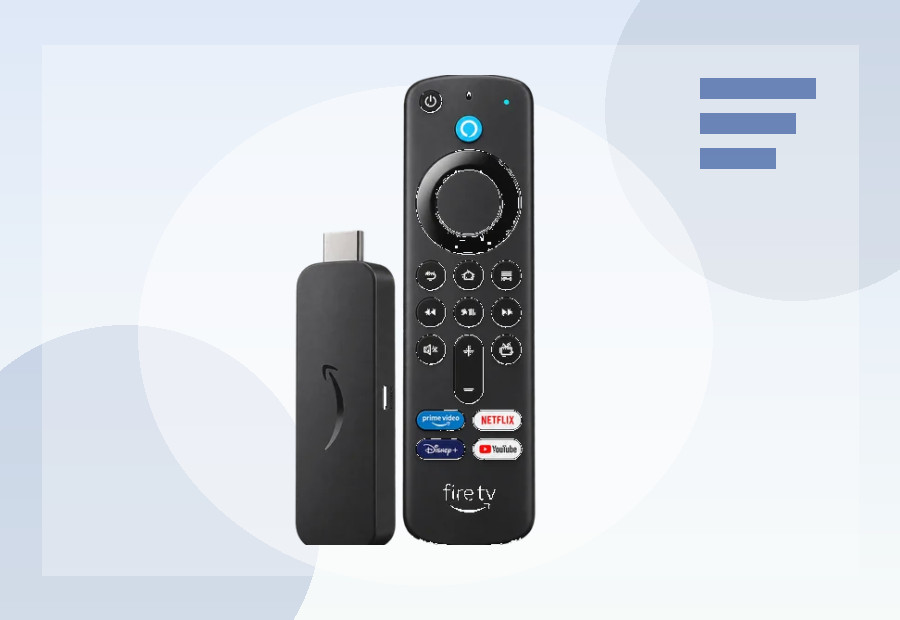
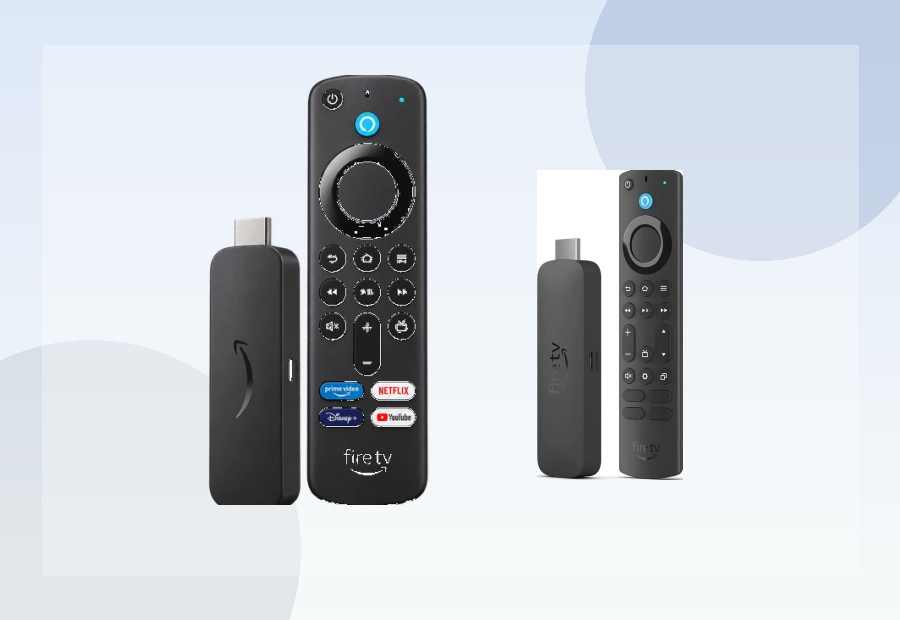
The short answer: The Fire TV Stick 4K Max (2nd Gen) is the better choice if you want more storage or use a compatible Wi-Fi 6E router. The Fire TV Stick 4K Plus is a sensible alternative when it costs less and you mainly use a handful of streaming apps.
Check UK buying options: See the Fire TV Stick 4K Plus retailer links and Fire TV Stick 4K Max (2nd Gen) retailer links. Check the exact generation and live price with the seller before buying.
Fire TV Stick 4K Plus vs 4K Max: specifications at a glance
| Feature | Fire TV Stick 4K Plus | Fire TV Stick 4K Max (2nd Gen) |
|---|---|---|
| Storage | 8GB | 16GB |
| RAM | 2GB | 2GB |
| Wireless | Wi-Fi 6 | Wi-Fi 6E |
| 4K, Dolby Vision, HDR10+ | Yes | Yes |
| Dolby Atmos | Yes | Yes |
| Best fit | Everyday streaming and value | More apps and greater storage headroom |
The biggest difference is storage
Amazon specifies 8GB of internal storage for the 4K Plus and 16GB for the 4K Max (2nd Gen). Some space is used by the operating system, so neither figure represents the full space available for apps. If you regularly install new apps or games, the Max offers more room.
Wi-Fi 6 vs Wi-Fi 6E
Both sticks support modern Wi-Fi, but the Max adds Wi-Fi 6E and its 6GHz band. You need a compatible router to use that additional band. If your existing connection is stable, this difference alone may not justify a higher price.
Picture and sound
Both models support 4K playback, Dolby Vision, HDR10+ and Dolby Atmos. Whether you can use those formats depends on your television, audio setup and the content and apps you watch. You do not need to choose the Max solely for those format names.
Which Fire TV Stick should you buy?
- Choose the 4K Max if you use plenty of apps, value the 16GB storage, or have a Wi-Fi 6E network.
- Choose the 4K Plus if you use mainstream streaming services, do not need the additional storage and the price saving is worthwhile.
- Compare the exact model before ordering. Amazon’s Fire TV naming and generations can be easy to confuse, and the retailer listing should match the device you intend to buy.
Other options worth checking
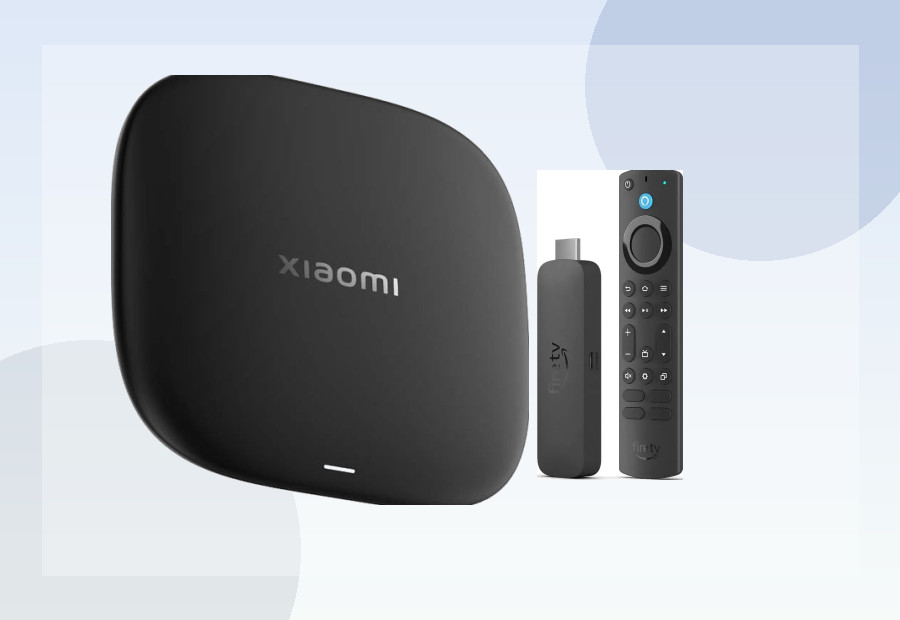
For a lower-tier Fire TV model, read our 4K Select vs 4K Plus comparison. If you want a closer look at the higher-end stick, see our Fire TV Stick 4K Max review. If you are looking at newer models, see what changed on the 2026 Fire TV Stick 4K. For a different operating system, explore our Fire TV alternatives guide.
ViewHarbour recommendation
If the prices are close, we would favour the 4K Max (2nd Gen) for its additional storage. If the 4K Plus is substantially cheaper and you only need familiar streaming apps, it offers many of the same picture and sound formats. Compare both models using the Device Finder or device comparison tool.
For retailer listings, open the Fire TV Stick 4K Plus and Fire TV Stick 4K Max (2nd Gen) device pages. Check the current price, stock and exact generation with the retailer.