Core hardware
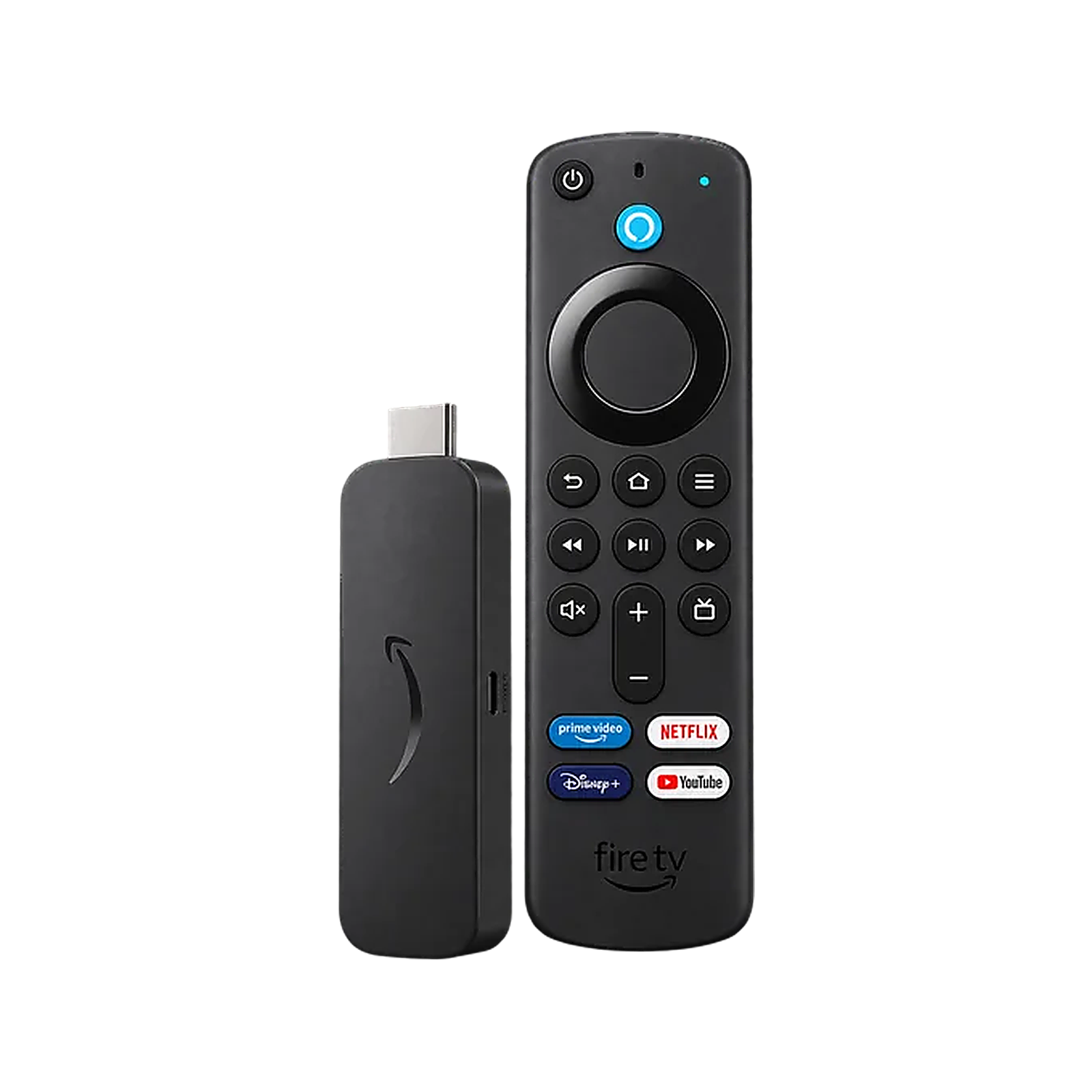
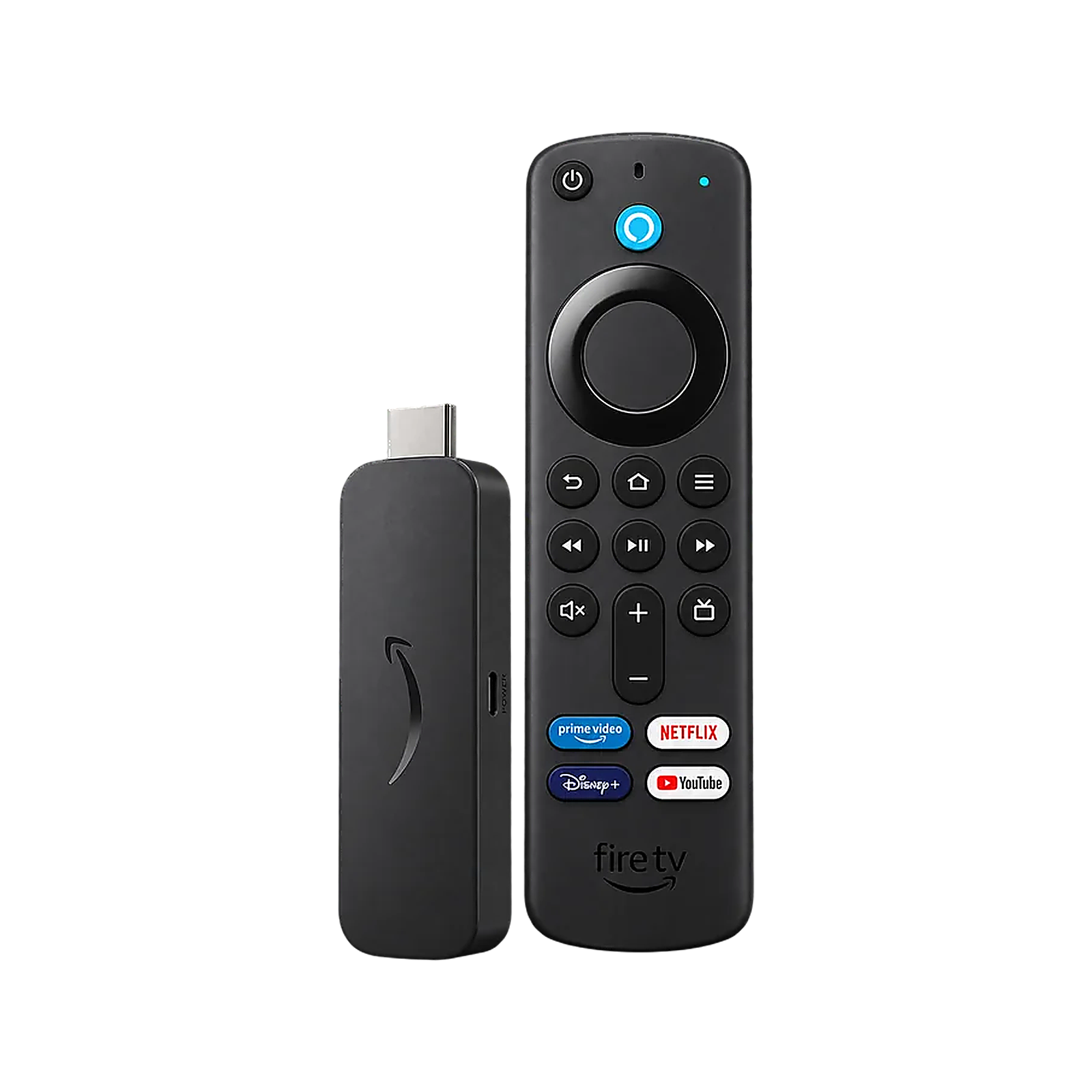
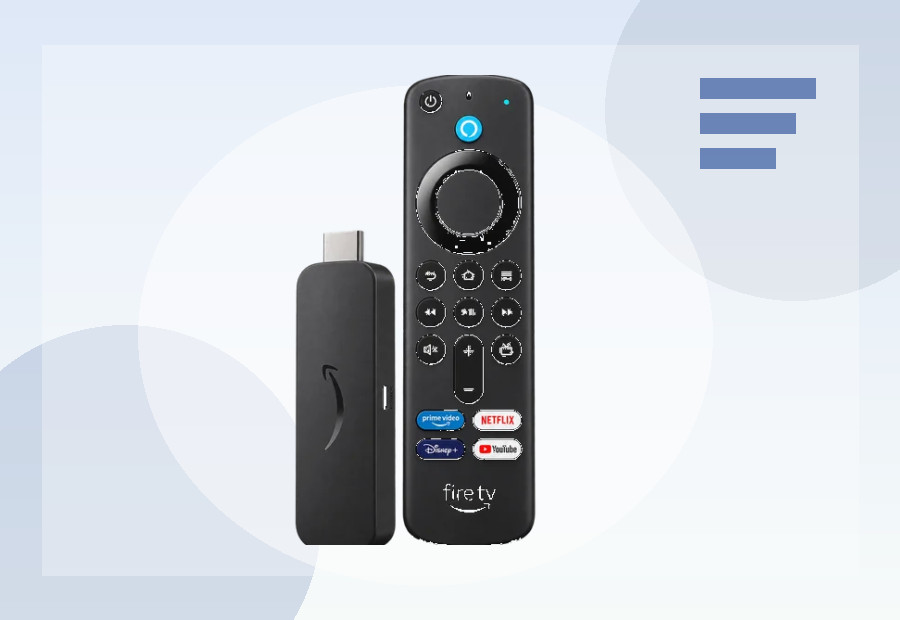
Amazon specifies 2GB LPDDR4 memory, 8GB storage, a quad-core Cortex-A55 CPU up to 1.7GHz, Wi-Fi 6, Bluetooth 5.2 with BLE, 4K, Dolby Vision, HDR10+ and Dolby Atmos.
Who it suits
Choose it when you already prefer Fire TV and want the mainstream 4K model rather than paying more for the Max.
If you are also considering Amazon’s cheaper Vega OS model, read our Fire TV Stick 4K Select vs 4K Plus UK comparison. The Plus has twice the RAM, Wi-Fi 6, Dolby Vision and Fire OS 8, while Select uses Vega OS and does not support normal Android APK sideloading.
If you are deciding between the two Fire OS 4K models, read our Fire TV Stick 4K Max vs 4K Plus UK comparison for the side-by-side differences that matter most.
Why ViewHarbour still prefers the Max for heavier use
The 8GB storage ceiling is the key compromise. The Max model is more expensive, but its 16GB storage gives noticeably more room for apps, updates and caches.
For a broader platform decision, see Google TV vs Fire TV UK or use the Device Finder.
4K Plus vs 4K Max: what changes in practice?
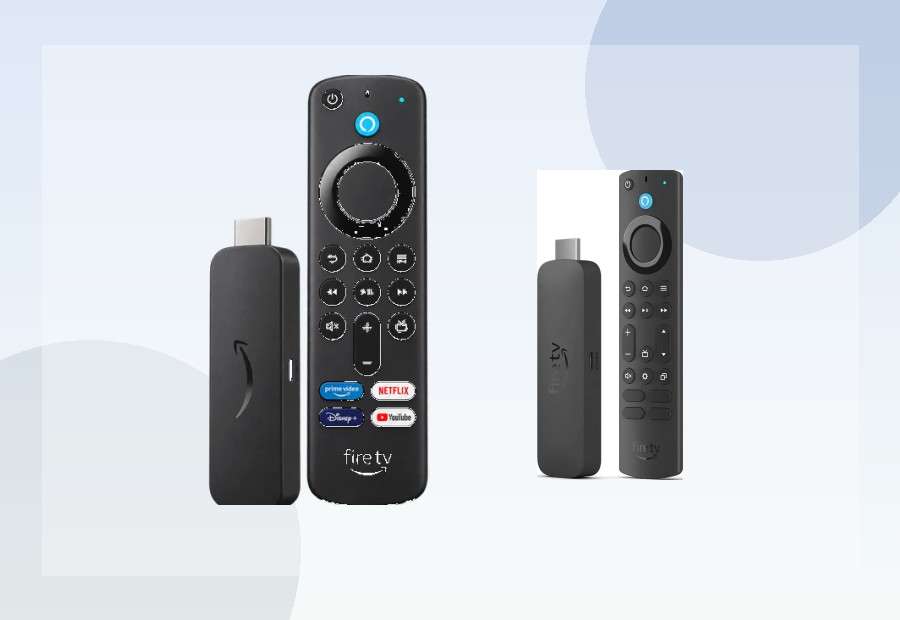
Both models are designed for mainstream 4K streaming, use Fire OS 8 and provide 2GB memory. The Max earns its higher position through 16GB storage, a faster processor specification and Wi-Fi 6E. The Plus retains 8GB storage and Wi-Fi 6, so its best argument is price rather than a different viewing format.
For a small app library on a secondary television, the Plus can be the sensible purchase. For a primary television, frequent app installation or a household that keeps several services and utilities installed, the Max’s extra storage gives more breathing room for updates and cached data. Wi-Fi 6E is useful only with compatible networking equipment and suitable local conditions; it is not required simply to watch 4K.
What 8GB means over time
The full 8GB is not available for your own apps because Fire OS, built-in software and updates occupy part of it. Streaming apps also build caches. A light user may never find this restrictive, but storage pressure can become annoying if you install games, media tools and many services. If you have previously had to uninstall apps from an older Fire TV stick, choose the Max or a larger-capacity alternative.
Setup and compatibility checks
The stick is intended to sit behind the television, with separate power and an HDMI connection. Check that there is enough clearance around crowded HDMI ports and use the supplied extension route where necessary. A stable wireless signal at the television matters more than the router’s label; if the room has unreliable Wi-Fi, consider improving the network or choosing a device with built-in Ethernet.
Dolby Vision, HDR10+ and Dolby Atmos support are valuable only when the television, audio equipment, streaming subscription and programme all support the format. Confirm the complete chain before treating any logo as a reason to upgrade.
Who should choose the Plus?
- Fire TV households with a modest app library.
- Buyers who want current mainstream 4K features at a lower price than the Max.
- Secondary-TV users who value the hidden stick format.
- People with reliable Wi-Fi who do not need Ethernet or extra ports.
Who should look elsewhere?
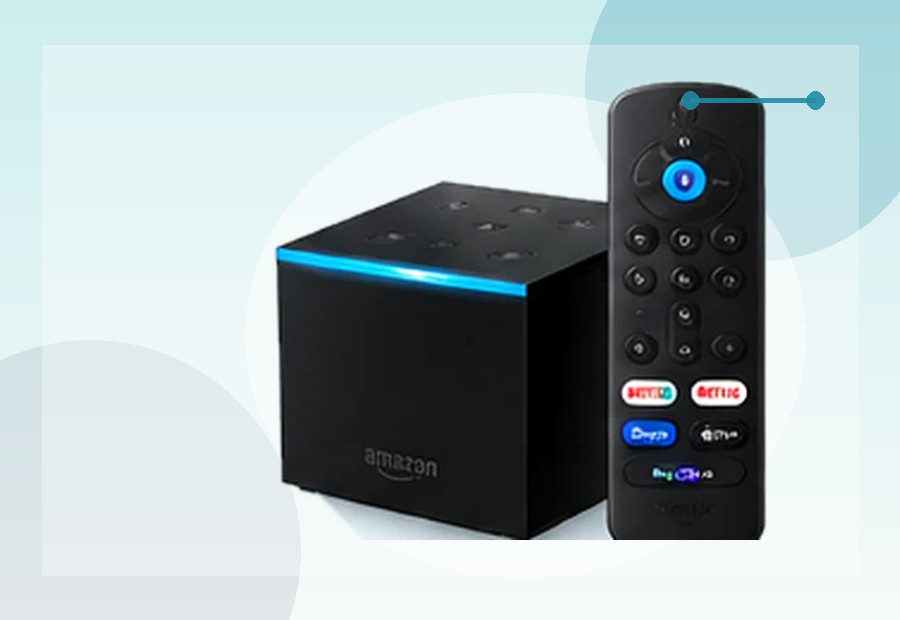
Choose the Max for more storage and the strongest current Fire TV stick specification. Look at Google TV if you prefer Google’s interface and casting ecosystem, or a full box if built-in Ethernet, USB connectivity or 32GB storage matters. The right choice depends on those practical differences, not on 4K branding alone.