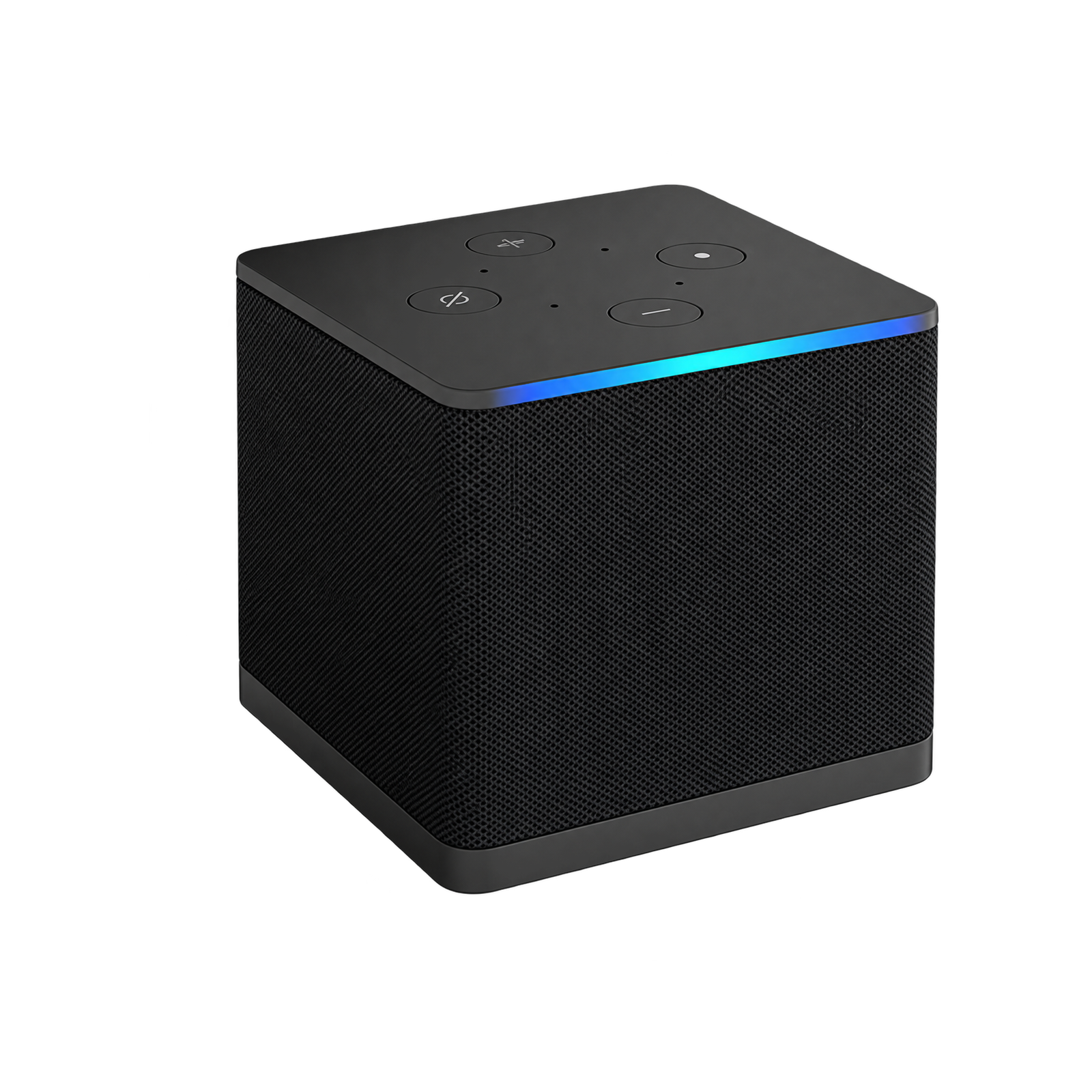
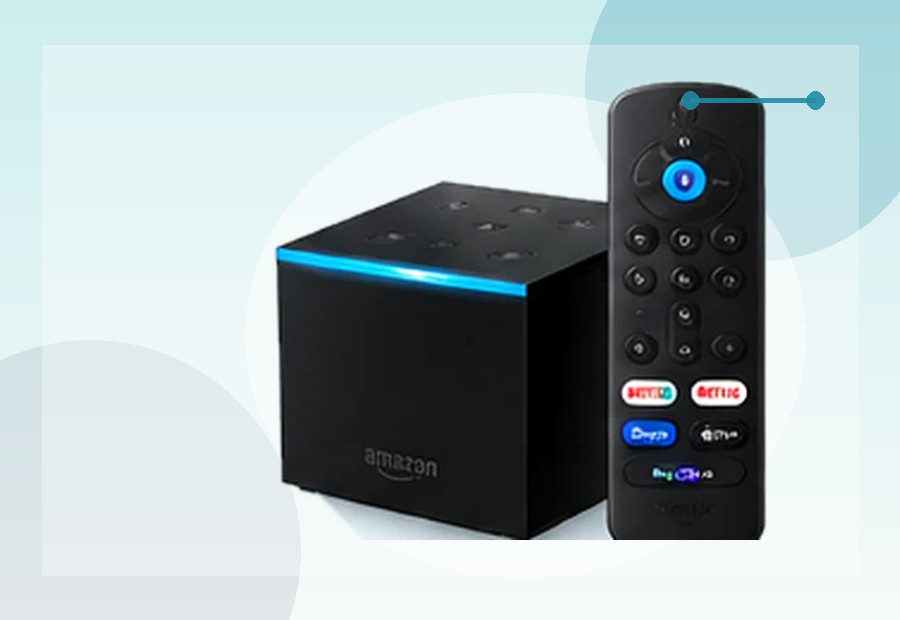
What makes the Cube different?
Amazon describes the third-generation Cube as an octa-core 2.0GHz Fire TV device with Wi-Fi 6E. It also provides Ethernet support, a USB port, HDMI input and hands-free Alexa equipment control.
Where it wins
It is much better suited than a stick to a fixed entertainment centre where wired networking, external equipment control and Alexa integration are useful.
Where it does not
The 16GB internal storage is modest for a premium box, and the interface remains strongly tied to Amazon’s ecosystem.
Fire TV Cube vs a Fire TV Stick
The Cube is not simply a faster stick in a larger case. Its main benefits come from the way it fits into a permanent entertainment system. Built-in Ethernet can provide a predictable connection without an extra adapter, while HDMI input lets another compatible source sit within the setup. Hands-free Alexa also means you can issue supported commands without first reaching for the remote.
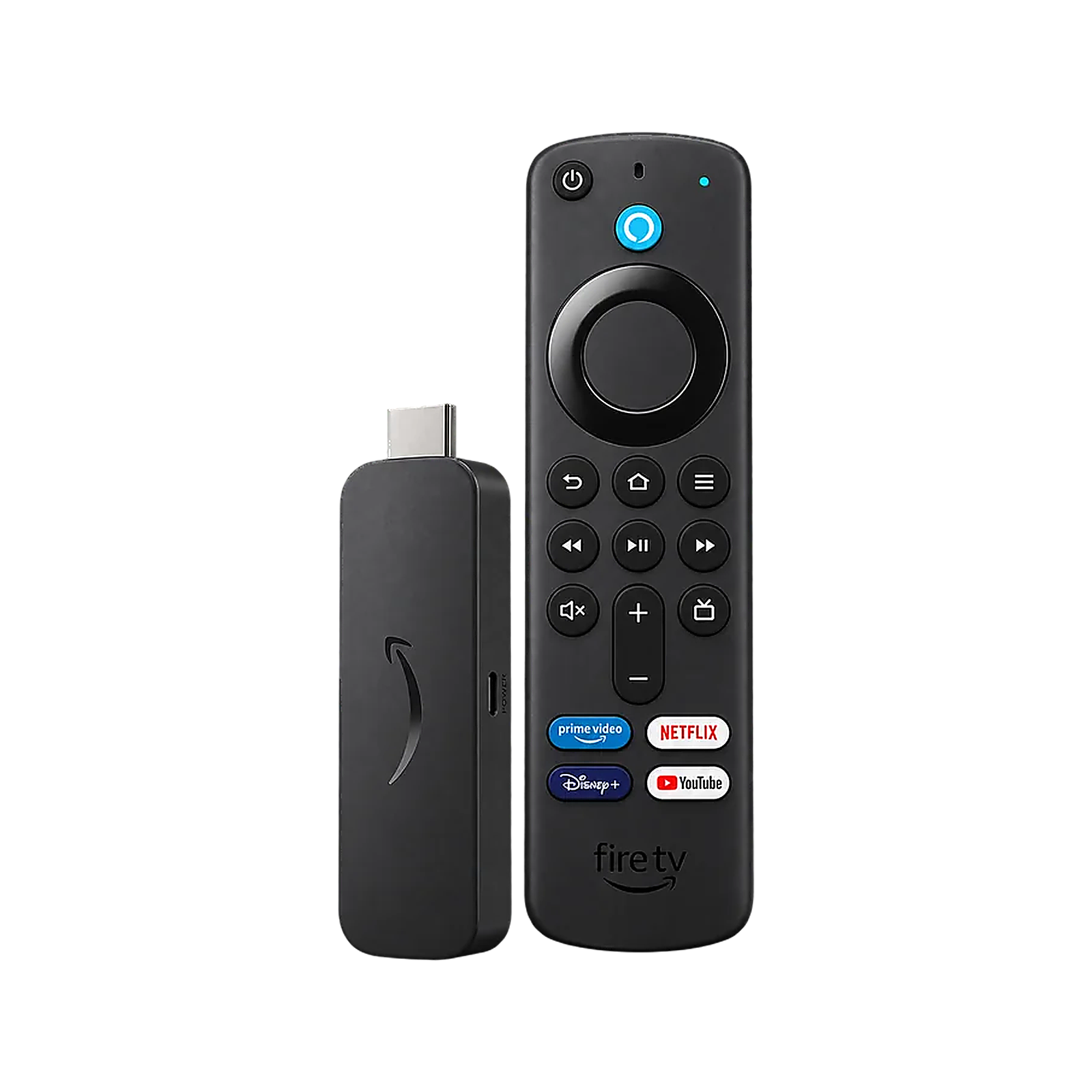
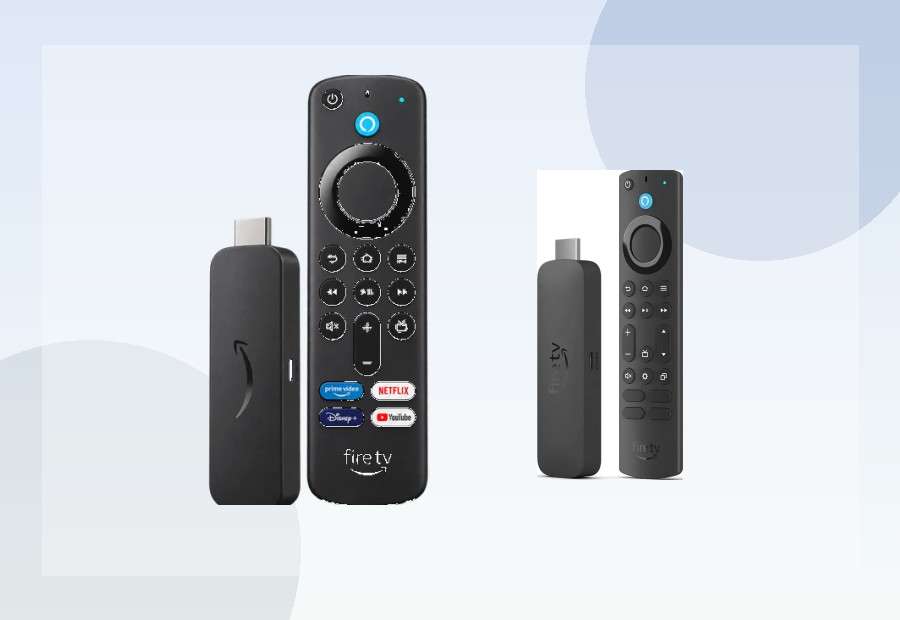
Those extras matter only if you will use them. If your television already has reliable Wi-Fi, you are happy using a remote and you do not need to control other equipment, the Fire TV Stick 4K Max can provide the same core streaming ecosystem in a smaller and usually cheaper package. The Max also matches the Cube’s 16GB headline storage, so storage alone is not a reason to choose the box.
Living-room setup considerations
Plan for a visible box, a mains connection and another HDMI cable rather than the hidden installation of a stick. Ethernet is most useful when the router or a network point is close enough to cable neatly. The HDMI input is valuable for some equipment-control setups, but it does not turn the Cube into a general-purpose HDMI switch for every possible source.
Before buying, check that your television or sound system supports the picture and audio formats you expect to use. The Cube can support premium formats, but the final output still depends on the programme, streaming subscription, television, sound equipment and HDMI path.
Who gets the best value?
The strongest buyer is already comfortable with Fire TV and Alexa, wants one premium hub for the main television and can make use of Ethernet or equipment control. It is also a sensible upgrade from an older Fire TV device when responsiveness and connectivity matter more than portability.
Skip it if you mainly run a few streaming apps, want the device hidden behind a secondary television, or prefer Google TV, Roku or Apple TV. In those cases, paying for the Cube’s extra hardware is unlikely to change the viewing experience once a programme starts.
Pre-buy checklist
- Confirm that Fire TV carries every UK app you use regularly.
- Decide whether built-in Ethernet or Wi-Fi 6E will serve the installation.
- Allow space and power for a set-top box rather than an HDMI stick.
- Check whether hands-free Alexa and HDMI input solve a real need.
- Compare the current price with Fire TV Stick 4K Max before deciding.
What this review can and cannot establish
This is a research-based assessment rather than a claim of long-term hands-on testing. Specifications describe capability, but they cannot guarantee app stability, voice recognition or update quality in every home. Buy from a retailer with a clear returns route, keep the device updated and judge it against the particular television, network and equipment you already use.
Official sources
Compare before buying
Read the full Fire TV Cube device verdict, browse the best premium streaming devices, or use the side-by-side comparison tool.