Storage is one of the least glamorous specifications on a streaming device, but it can have a bigger effect on long-term comfort than another headline codec or marketing feature.
8GB: workable, but easy to outgrow
An 8GB device does not give you 8GB of empty app space. The operating system and built-in software already occupy part of the capacity, and app updates and caches keep consuming space over time. If you only use a handful of major services, that may still be enough. If you experiment with lots of apps, it can feel tight much sooner.
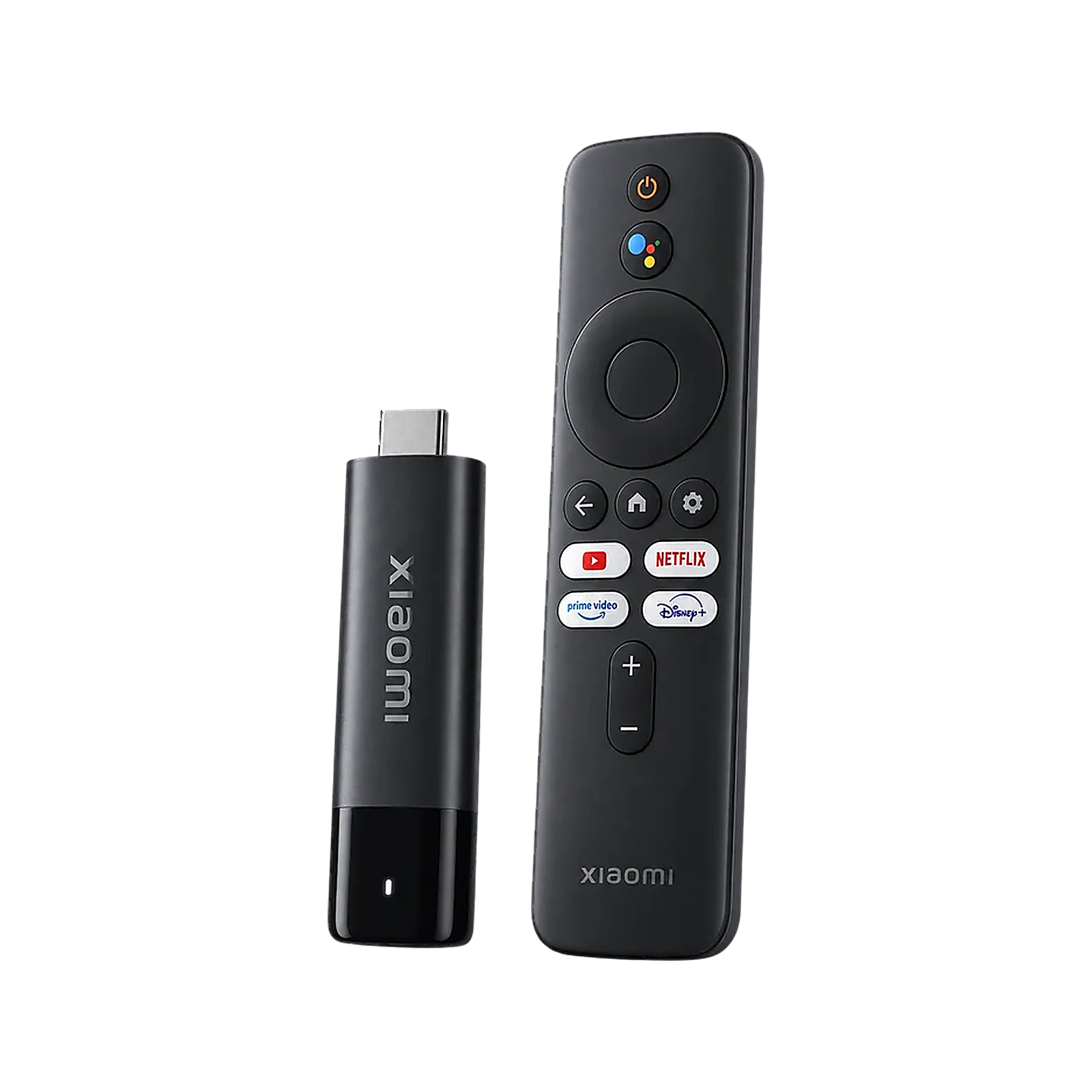
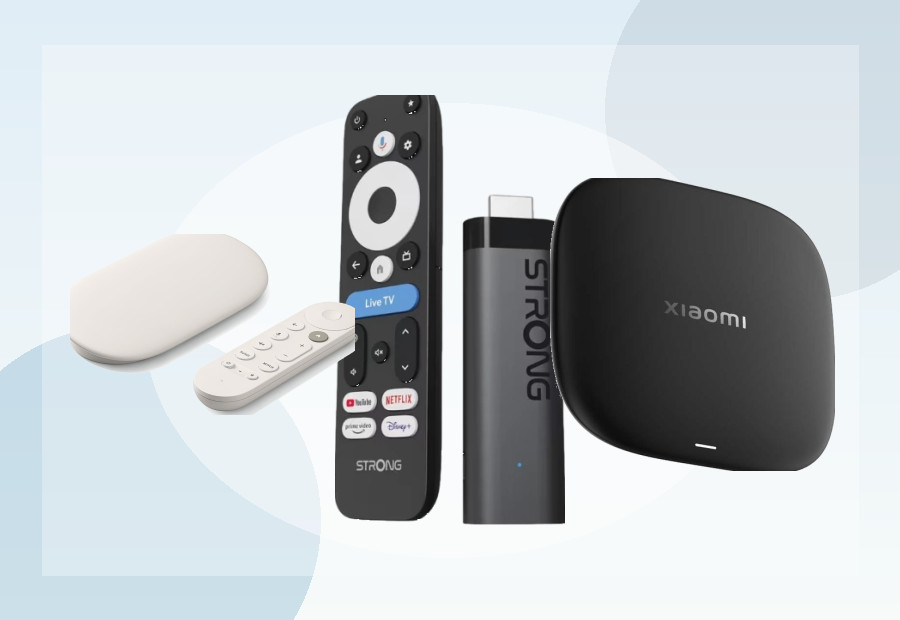
The Xiaomi TV Stick 4K (2nd Gen) is a good example: its compact design is attractive, but Xiaomi specifies 8GB storage. We therefore see it as a good small-device option rather than the most future-proof choice for a large app library.
16GB: a sensible middle ground
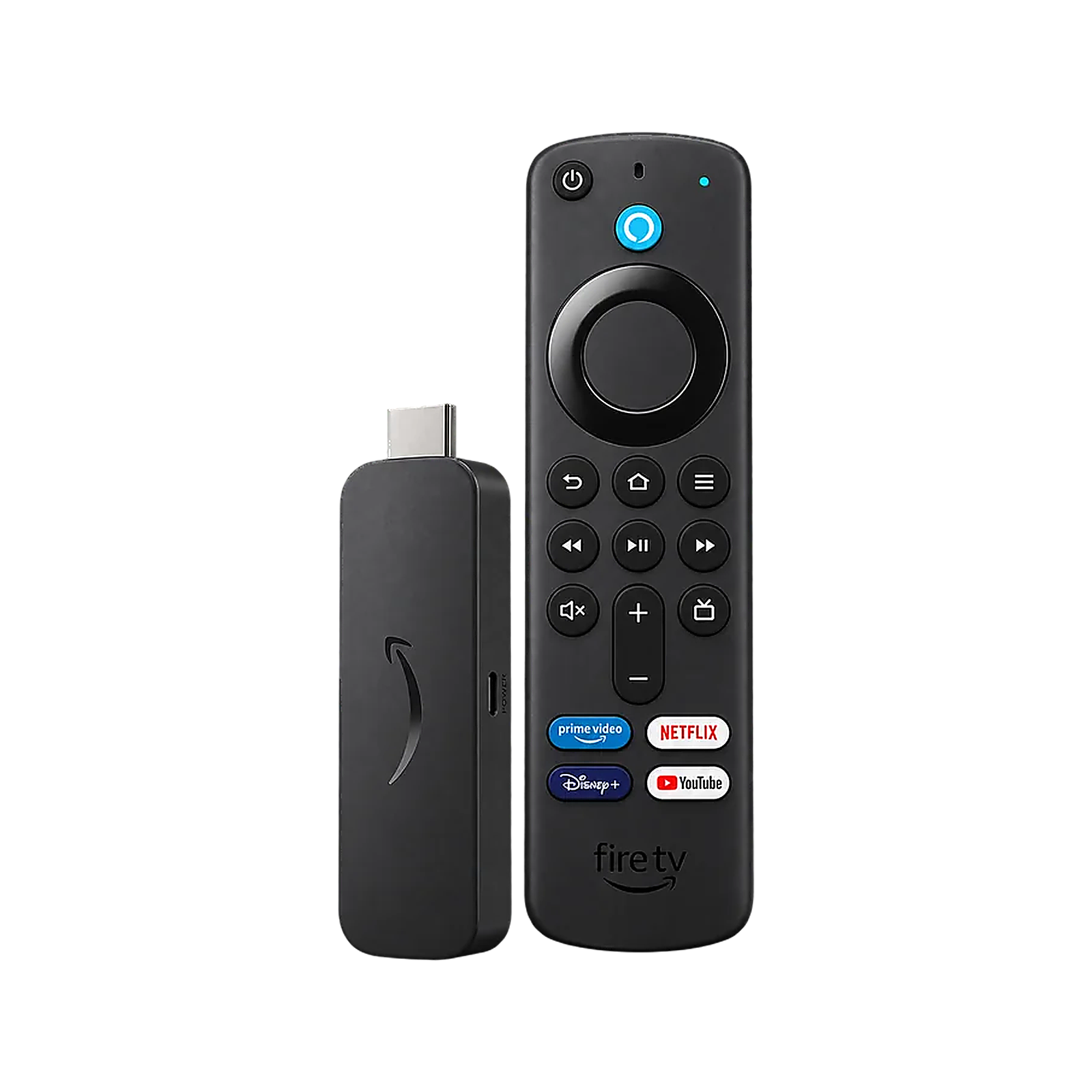
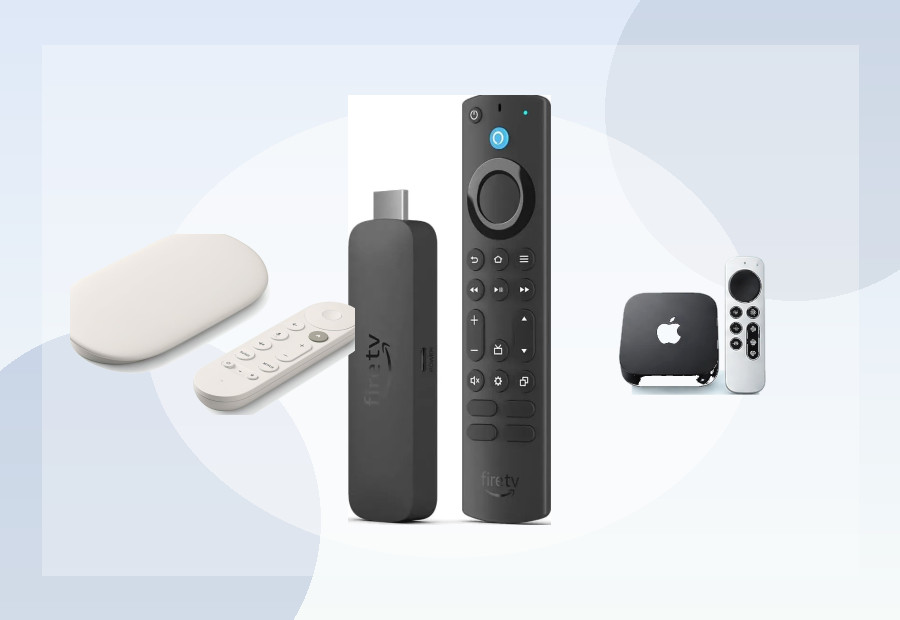
Sixteen gigabytes gives materially more room for updates and extra apps. Amazon’s Fire TV Stick 4K Max (2nd Gen), for example, is specified with 16GB storage and 2GB memory. That is a more comfortable baseline for a mainstream stick.
32GB: our preferred target for a new primary device
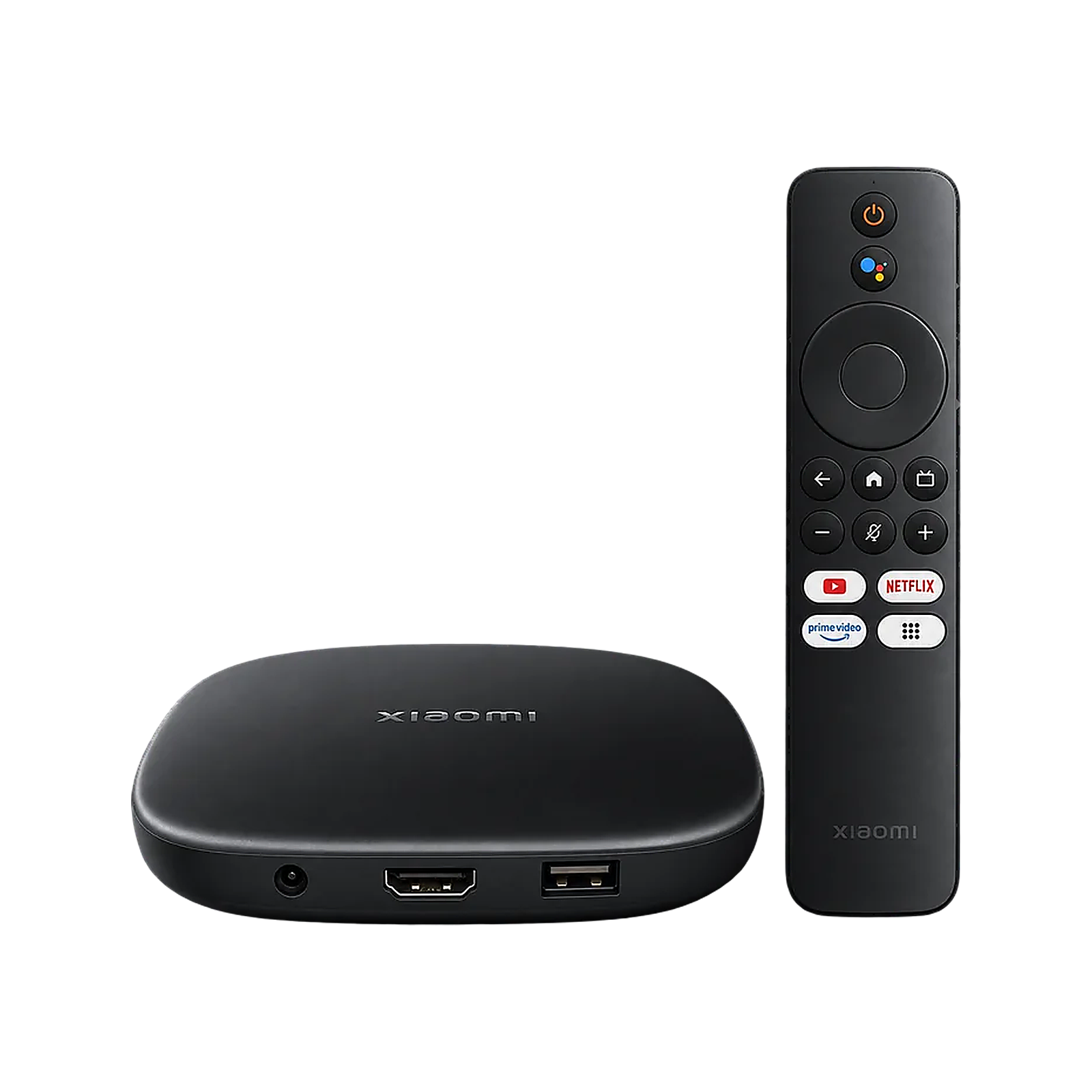
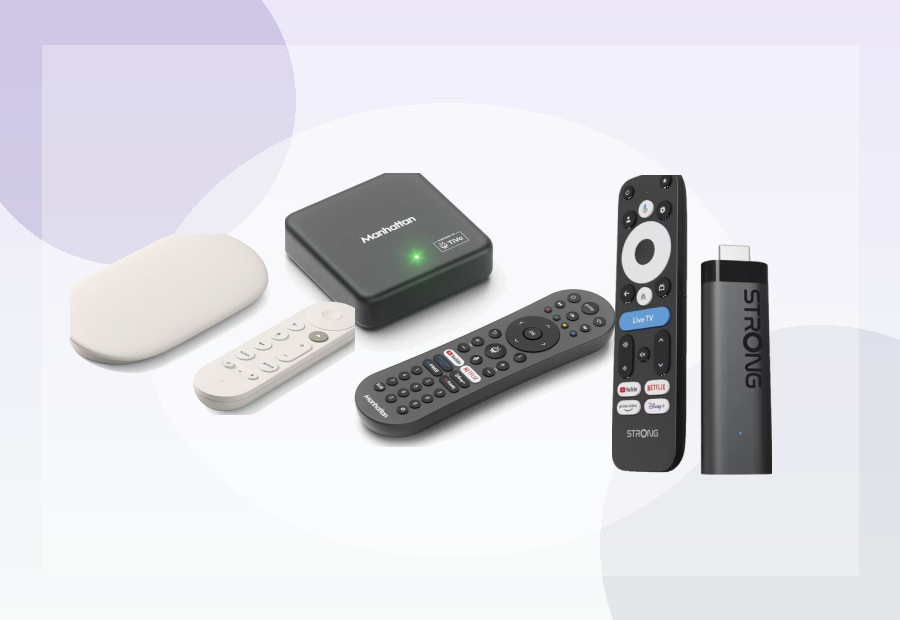
Thirty-two gigabytes does not make storage unlimited, but it gives much more headroom. Devices such as the Xiaomi TV Box S (3rd Gen), Google TV Streamer and STRONG LEAP NOVA UK all use 32GB, which is one reason they sit near the top of our current shortlist.
See Best 32GB Streaming Devices UK for the devices we currently think make the strongest use of that extra headroom.
Storage is not RAM
Storage holds apps, downloads, cached data and system files over time. RAM is working memory used while the device and its apps are running. A device can have 32GB storage but only 2GB RAM, so the two numbers should never be treated as interchangeable.
If you are also comparing memory, read 2GB vs 4GB RAM on a Streaming Device.
Our practical buying rule
If two otherwise credible devices are close in price, we usually favour the one with more internal storage. But storage does not override certification, software support, networking, warranty quality or overall reliability. A dubious 64GB marketplace box is not automatically a better buy than a well-supported certified 16GB device.
Stick or box?
Storage is also tied to form factor. Sticks often prioritise size, while boxes have more room for storage and ports. Our Streaming Stick vs Streaming Box guide explains that trade-off.
How to estimate your own storage needs
List the apps currently installed on your television or streamer, then separate essentials from occasional experiments. A household using only major streaming services has a very different requirement from one that adds games, media players and utilities. Leave room for system updates and caches rather than choosing a device that is nearly full on day one.
External storage support can help on some platforms, but it is not always equivalent to faster internal storage and may have app or formatting restrictions. Check the exact manufacturer’s guidance before assuming a USB drive will solve a small internal capacity.