RAM is one of the most misunderstood streaming-device specifications. More memory can help with app switching and interface headroom, but a 4GB device is not automatically twice as fast as a 2GB device.
In short: 2GB RAM is still enough for mainstream streaming on a well-optimised device. 4GB gives more breathing room for heavier interfaces, multitasking and longer-term software growth.
RAM is not storage
RAM is short-term working memory. Storage is where apps and files remain installed. A device can have 4GB RAM and 32GB storage, or 2GB RAM and 8GB storage; the two figures describe different things.
If you are comparing app capacity rather than multitasking, read our 8GB vs 16GB vs 32GB storage guide.
What does 2GB RAM feel like?
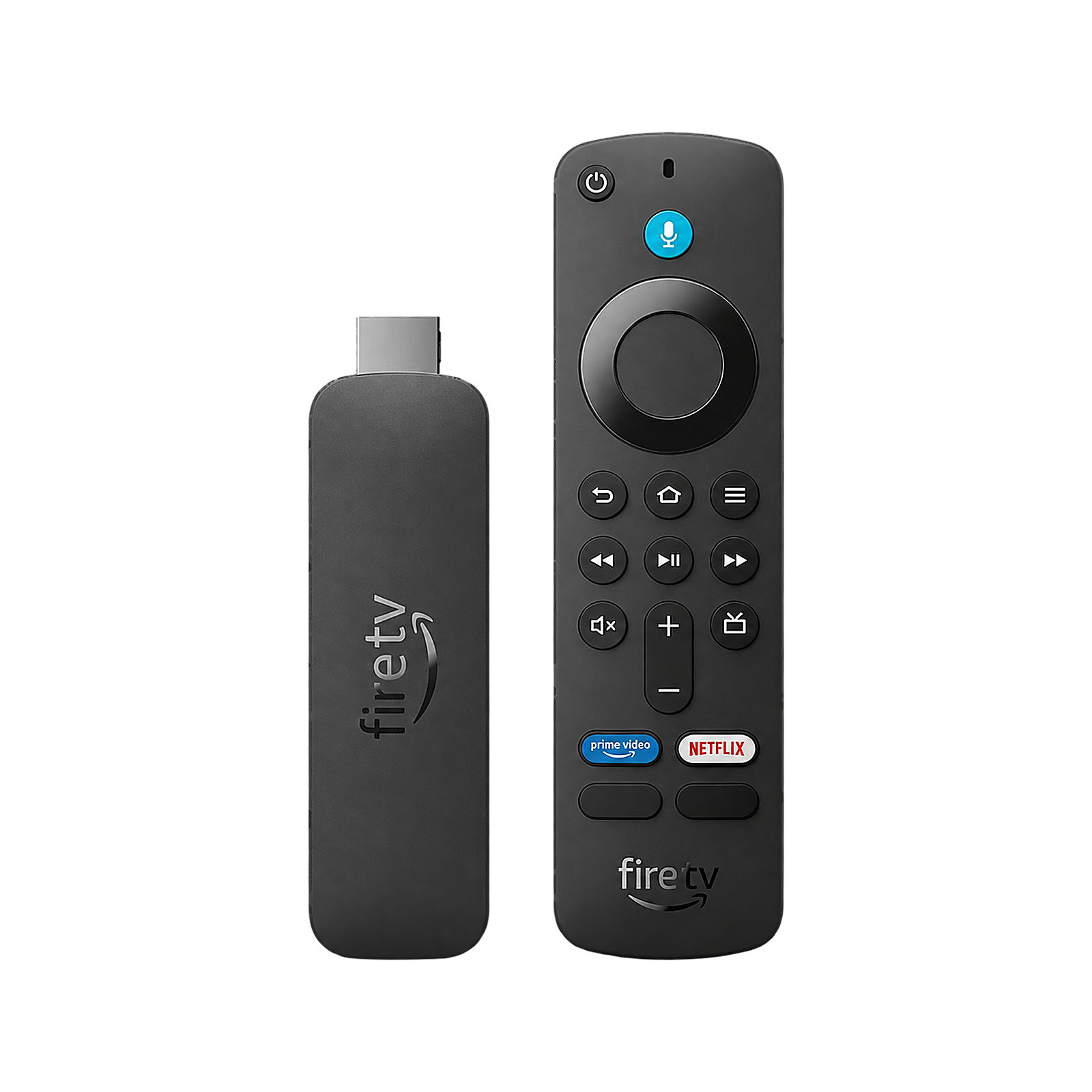
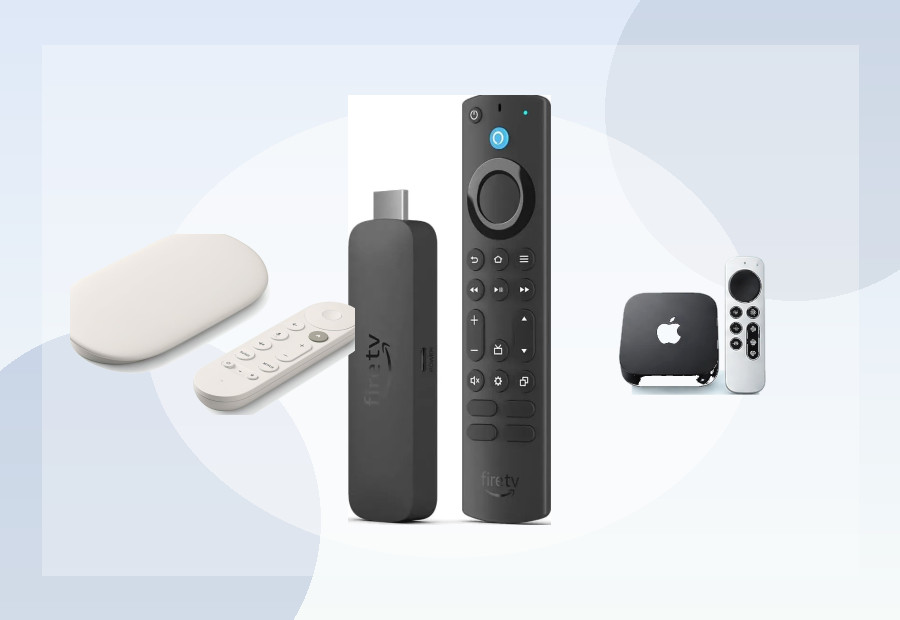
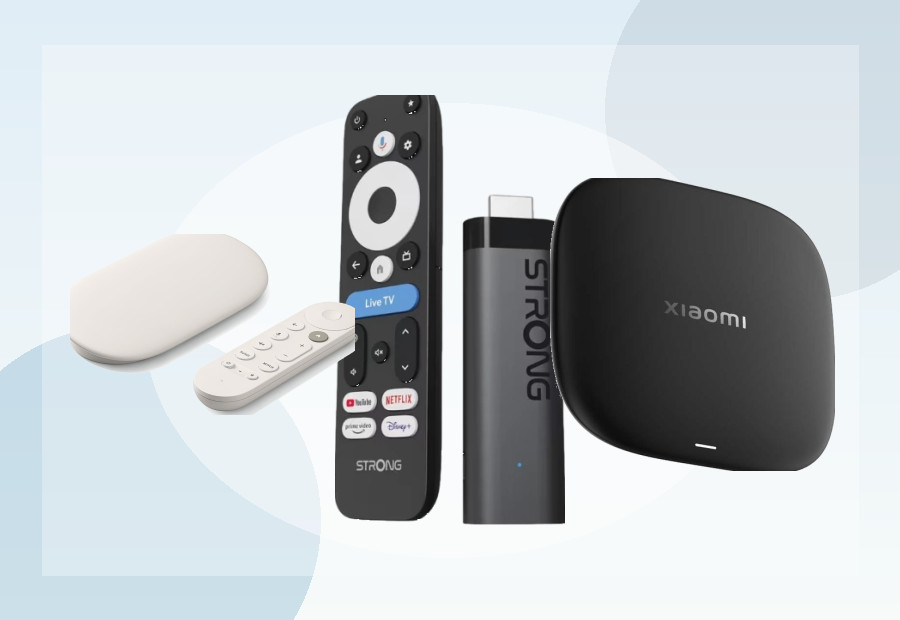
For ordinary streaming, 2GB can be perfectly adequate. The Fire TV Stick 4K Max (2nd Gen), Xiaomi TV Stick 4K (2nd Gen) and Xiaomi TV Box S (3rd Gen) all use 2GB memory while targeting 4K streaming.
The main limitation appears when the operating system, background services and several apps are competing for memory. Apps may reload more often after you switch away from them, and heavier interfaces have less spare headroom.
What does 4GB RAM give you?
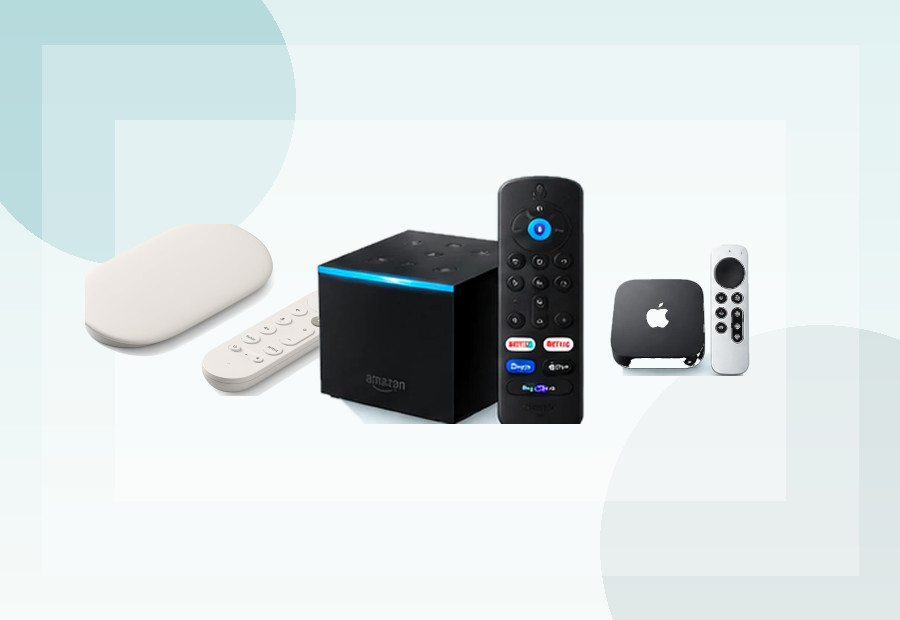
Google lists 4GB RAM for the Google TV Streamer, double the memory allocation of Chromecast with Google TV 4K. The extra memory gives the platform more room for the interface, app switching and future software features.
That does not mean every action will feel twice as fast. Processor speed, storage performance, software optimisation and network conditions all matter too.
Does RAM affect video quality?
Not directly in the way buyers sometimes assume. A device does not need 4GB RAM simply because you want 4K video. The video decoder, supported codecs, HDR formats and network connection are more directly relevant to playback quality.
RAM matters more for how comfortably the operating system runs around the video playback.
Does more RAM reduce buffering?
Usually not. Persistent buffering is more likely to be caused by Wi-Fi quality, internet speed, congestion, the streaming service or the device’s network connection. More RAM may improve interface responsiveness, but it cannot fix a weak wireless signal.
2GB vs 4GB for app switching
This is where extra memory is most useful. With more RAM, the system has a better chance of keeping recently used apps in memory instead of closing and reloading them. That can make a device feel more premium even when video playback looks identical.
What should UK buyers prioritise?
- For a few mainstream apps: 2GB is normally sufficient.
- For a heavier Google TV interface or lots of switching: 4GB is a useful advantage.
- For long-term ownership: extra RAM gives the software more headroom as platforms become heavier.
- For buffering problems: look at Wi-Fi or Ethernet before blaming RAM.
Examples from current devices
| Device | RAM | Storage |
|---|---|---|
| Google TV Streamer | 4GB | 32GB |
| Fire TV Stick 4K Max (2nd Gen) | 2GB | 16GB |
| Xiaomi TV Box S (3rd Gen) | 2GB | 32GB |
| Xiaomi TV Stick 4K (2nd Gen) | 2GB | 8GB |
Those examples show why RAM and storage should be judged separately. Xiaomi’s Box S gives you much more storage than its stick while keeping the same 2GB RAM allocation.
Our take
Do not reject a good 2GB streamer just because a 4GB model exists. For ordinary TV streaming, 2GB remains viable. But if you want a premium box, expect to keep it for years or care about fast app switching, 4GB is a worthwhile specification rather than empty marketing.
Use ViewHarbour Compare to put memory, storage and connectivity side by side, or try the Device Finder for a recommendation based on your actual setup.