Wi-Fi 6 and Wi-Fi 6E sound like major buying points on a streaming device, but the practical difference is easy to overstate. A good Wi-Fi 5 connection can already handle high-quality streaming. Newer standards mainly improve efficiency, congestion handling and access to newer wireless bands.
In short: Wi-Fi 6 is a useful upgrade for busy homes. Wi-Fi 6E adds access to the 6GHz band, but you only benefit if your router also supports 6E and the device is close enough for that higher-frequency signal to work well.
What is Wi-Fi 6?
Wi-Fi 6 is the consumer name for 802.11ax. Compared with older Wi-Fi generations, it is designed to handle multiple devices more efficiently and make better use of available airtime. That can help in homes where phones, laptops, consoles, smart-home devices and streamers are all competing for wireless capacity.
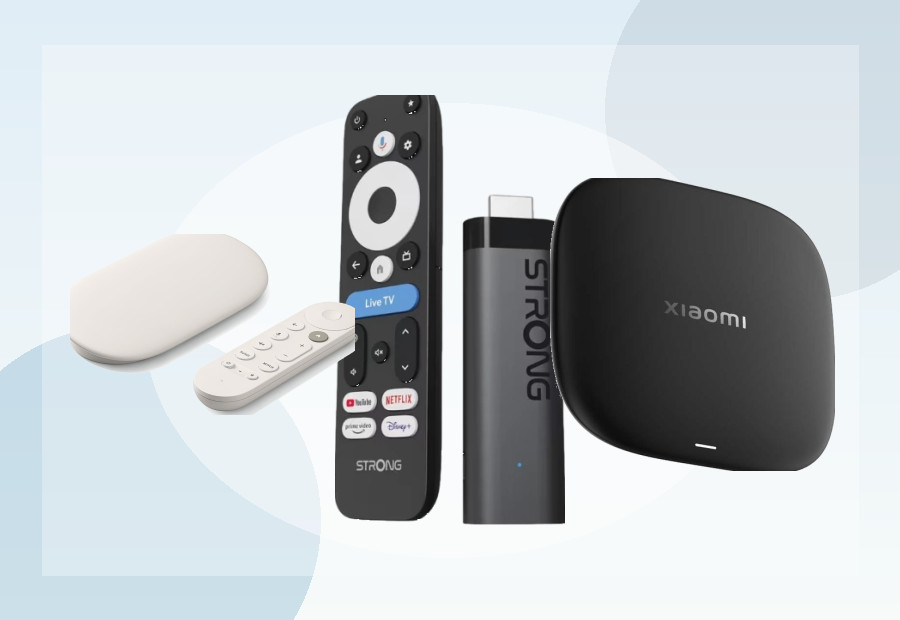
The Xiaomi TV Stick 4K (2nd Gen) and Xiaomi TV Box S (3rd Gen) both advertise Wi-Fi 6 support.
What is Wi-Fi 6E?
Wi-Fi 6E extends Wi-Fi 6 into the 6GHz spectrum. The attraction is extra clean spectrum with less competition from older Wi-Fi devices. The catch is that 6GHz generally has shorter effective range and weaker wall penetration than lower frequencies.
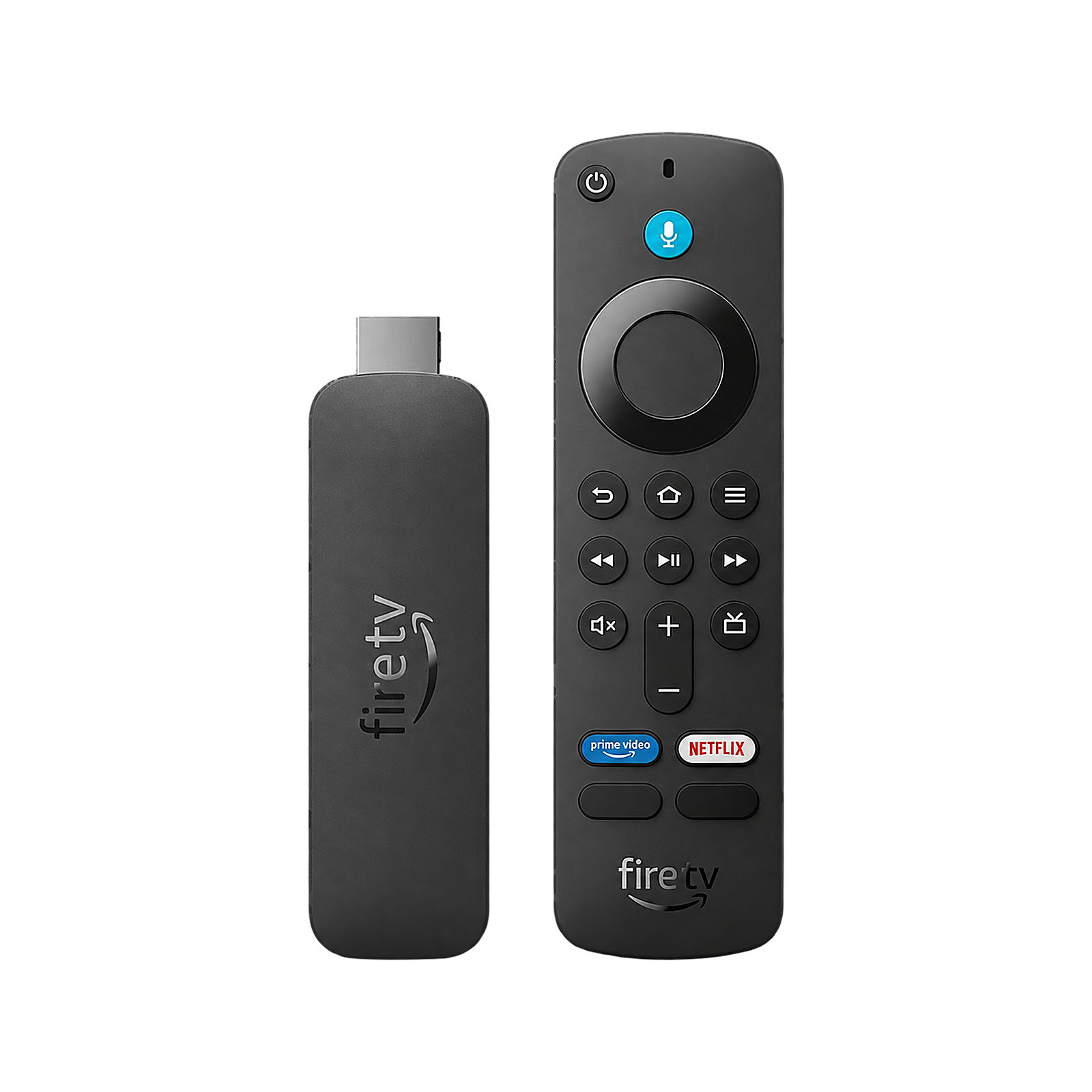
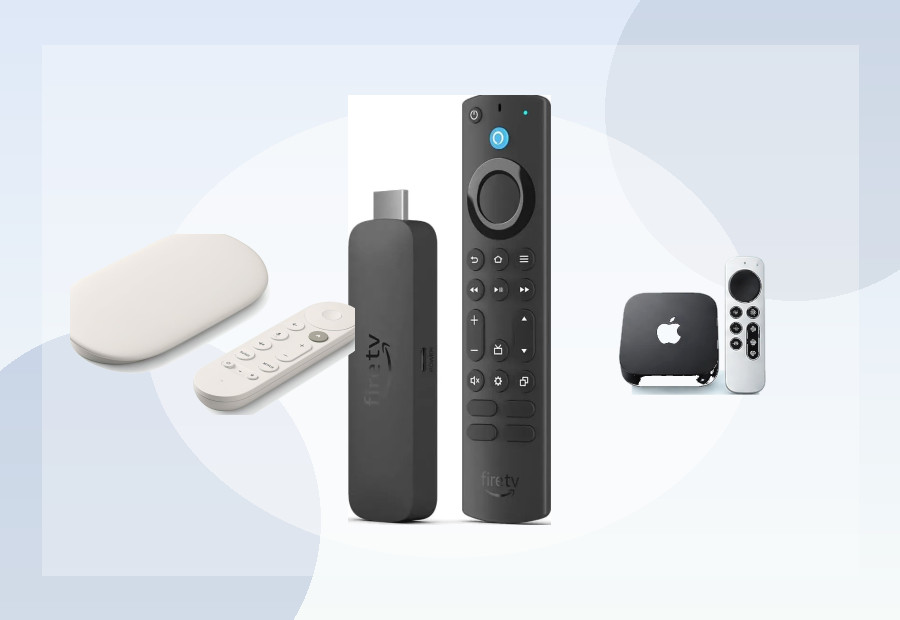
Amazon lists Wi-Fi 6E for the Fire TV Stick 4K Max (2nd Gen), making it one of the more accessible mainstream streamers that can use a compatible 6GHz network.
Do you need Wi-Fi 6E for 4K streaming?
No. 4K streaming does not require Wi-Fi 6E. A stable Wi-Fi 5 or Wi-Fi 6 connection can provide more than enough throughput for major streaming services. The bigger issue is consistency: distance from the router, interference and congestion matter more than the badge on the box.
When Wi-Fi 6E can help
- Your router already supports Wi-Fi 6E.
- The streamer is in the same room or reasonably close to the router.
- Your 5GHz network is crowded.
- You have many devices competing for wireless bandwidth.
When it probably will not matter
- Your router is Wi-Fi 5 or Wi-Fi 6 only.
- The TV is several rooms away behind thick walls.
- Your internet connection itself is the bottleneck.
- You already have a reliable wired Ethernet connection.
Wi-Fi 6 vs Ethernet
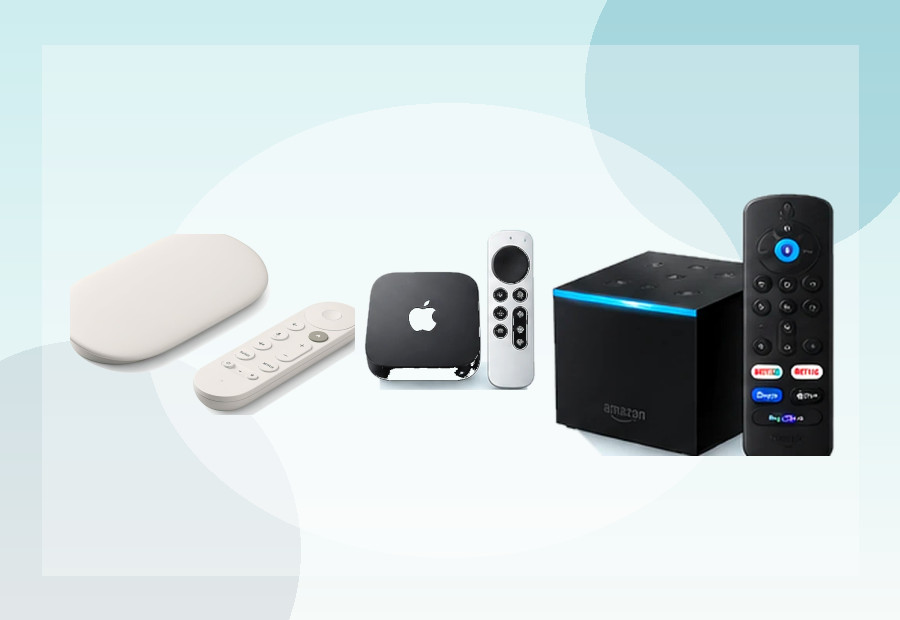
If the television is in a fixed location and you can run a cable, Ethernet is still attractive because it removes wireless interference from the equation. That is why devices such as the Google TV Streamer and some Apple TV 4K models remain appealing for buyers who prioritise predictable connectivity.
See our Best Streaming Device with Ethernet UK guide if a wired connection is your priority.
Does Wi-Fi 6E make a streamer faster?
It can improve network throughput and reduce congestion in the right setup, but it does not speed up the processor or make menus render faster. A device can have excellent Wi-Fi and still feel slower because of its CPU, memory or software.
For that reason, compare wireless specs alongside RAM and storage rather than treating Wi-Fi generation as a complete performance score. Our 2GB vs 4GB RAM guide explains the memory side.
Our take
Wi-Fi 6 is a meaningful modern baseline. Wi-Fi 6E is a useful bonus for the right router and room layout, but it is not something most people need to pay extra for purely to watch 4K video. A stable signal beats a newer Wi-Fi logo every time.
Use Compare to check wireless standards across devices or the Device Finder if you want a recommendation based on your setup.