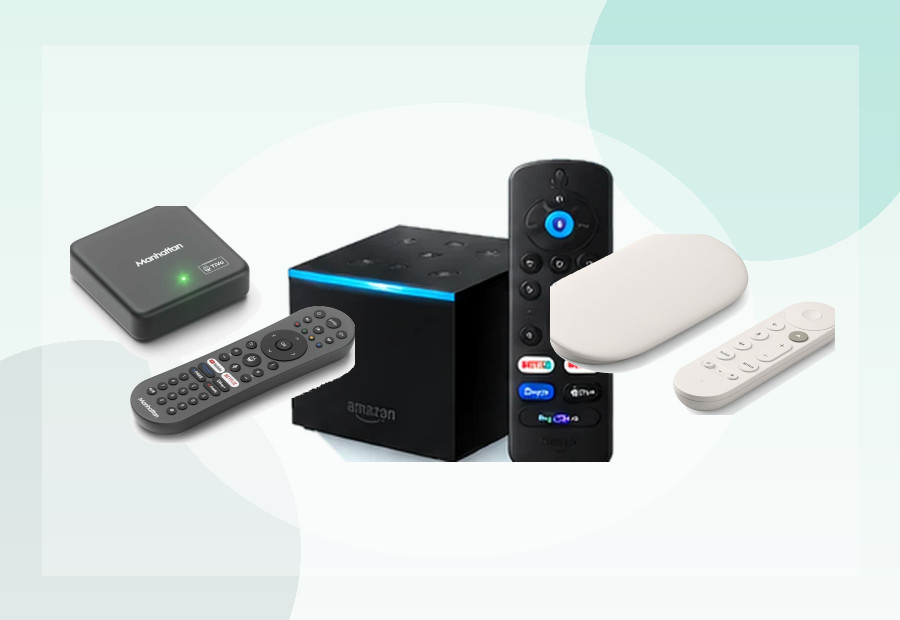
For many UK households, the most important streaming apps are not Netflix or Disney+ — they are BBC iPlayer, ITVX and Channel 4. A streaming device that looks impressive on paper is a poor fit if one of your essential broadcaster apps is missing or limited.
In short: Roku and Fire TV are the safest simple shortlists for mainstream UK catch-up viewing because both have long-established UK app support. Google TV is now a stronger UK option than it was at launch, but exact model support should still be checked. If live UK television without an aerial is your priority, a Freely-focused device such as Manhattan Aero belongs on a different shortlist.
Start with your must-have apps, not the hardware
Before comparing RAM, storage or Wi-Fi, write down the services you actually use. For many UK viewers that means:
- BBC iPlayer
- ITVX
- Channel 4
- 5
- NOW
- Netflix, Prime Video or Disney+
Support can change, and some platforms support an app but not every feature inside it. ITVX, for example, documents differences between platforms for regional live content and accessibility features.
Roku: strong for simple UK catch-up viewing
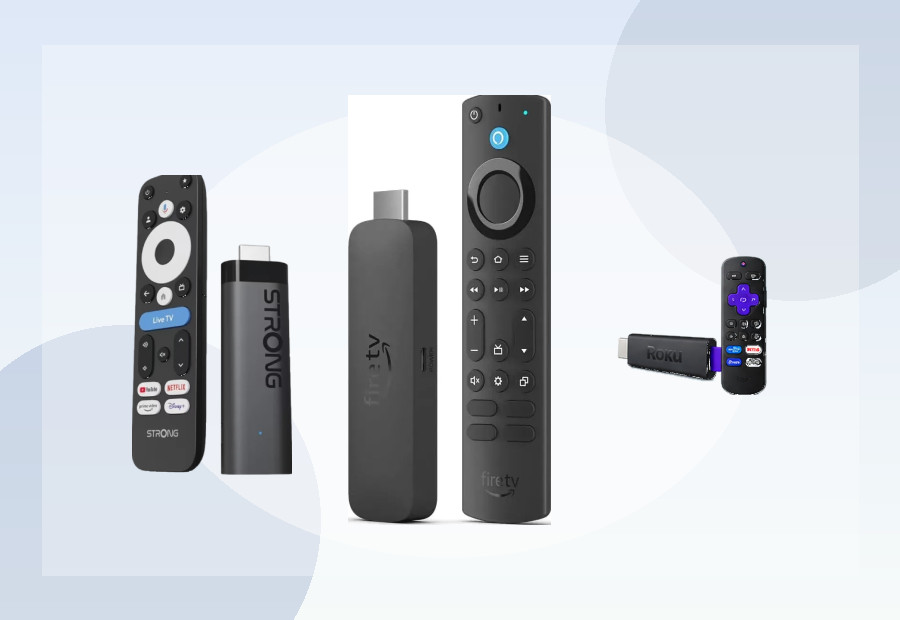
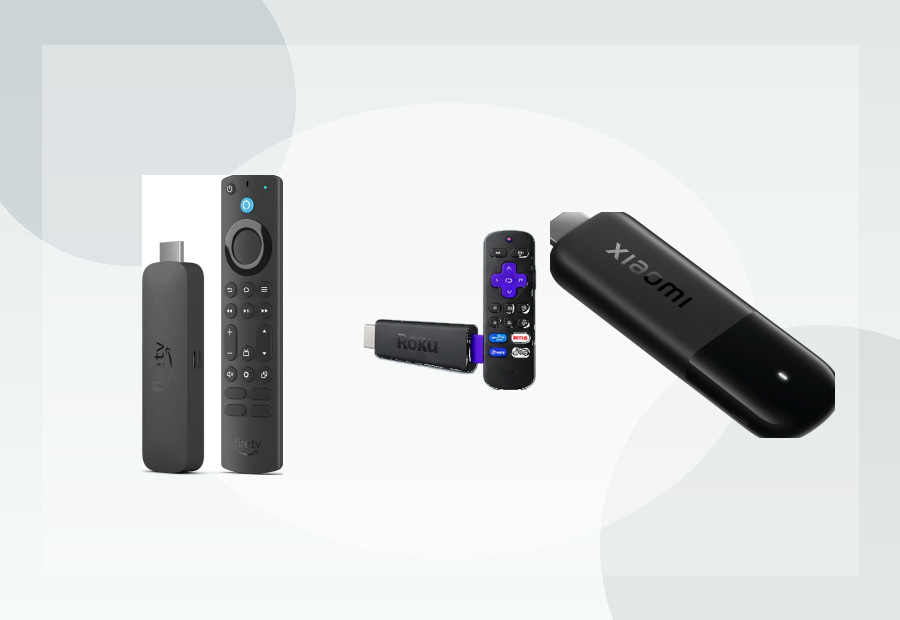
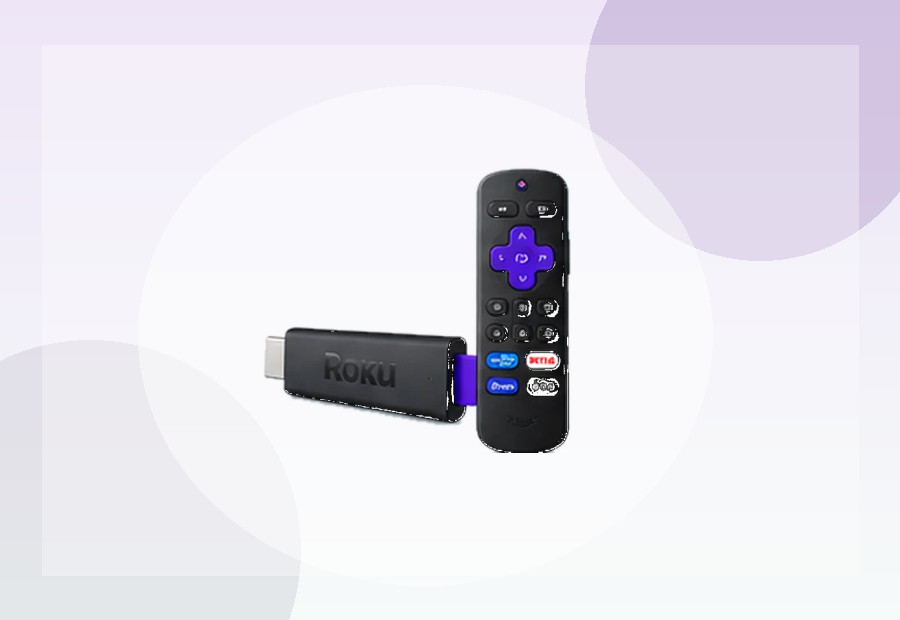
Roku is a good fit for households that want a straightforward launcher and mainstream streaming apps. ITV currently lists Roku streaming players among supported ITVX platforms, while Channel 4 has long supported Roku as a big-screen platform.
Roku’s main strength is simplicity rather than advanced app flexibility. If the goal is to open iPlayer, ITVX or Channel 4 without navigating a heavily personalised home screen, that is a meaningful advantage.
See our Roku vs Fire TV UK guide for the wider platform trade-off.
Fire TV: broad UK support and Alexa integration
Amazon Fire TV is another established UK platform. ITV lists Fire TV tablets, sticks, Cube devices and Fire TV televisions as supported ITVX platforms. Channel 4 also supports Fire TV.
Fire TV makes particular sense if the household already uses Alexa or Prime Video. The interface is busier than Roku, but the platform gives you a wide hardware range from inexpensive sticks to the Fire TV Cube.
Google TV: much stronger than at launch, but check the exact device
Google TV has had a more uneven history with UK broadcaster apps on individual devices. The Google TV Streamer launched with some notable UK app gaps, but BBC iPlayer later became available and current UK retail support information also lists Channel 4 on the device.
The lesson is not that Google TV is a bad UK platform. It is that the exact device matters. Android TV and Google TV support pages often include model-specific caveats, so check the device you are actually buying rather than relying on the platform name alone.
For current Google TV options, see Best Google TV Devices UK.
What about ITVX live and regional TV?
ITVX is a good example of why app support is not always binary. ITV says live TV is available across many connected-TV platforms, but regional live content has a narrower support list. A device can therefore run ITVX while still differing in specific live features.
If regional ITV1 viewing is important to you, check ITV’s latest support page before buying.
What if you mainly want live UK channels without an aerial?
That is a different use case from app-first streaming. Freely devices are designed around live UK television delivered over broadband. Manhattan Aero, for example, targets viewers who want Freely without an aerial or satellite dish.
Read our Manhattan Aero review if that sounds closer to what you need.
Older TV? Check HDMI first
If you are adding catch-up apps to an older television, the key requirement is usually HDMI. The streamer handles the apps; the TV mainly needs to display the output. Our Older TV streaming-device guide explains what to check.
Do you need a TV Licence?
Device choice does not change UK TV-licensing rules. TV Licensing states that you need a TV Licence to watch live TV on any service and to use BBC iPlayer, regardless of the device being used.
ViewHarbour recommendation
If your priority is the least complicated route to mainstream UK catch-up apps, start with Roku and Fire TV. If you prefer Google’s ecosystem, current Google TV devices can also be strong choices, but verify the exact model against your must-have apps. If live broadcast-style viewing is the priority, look at Freely hardware instead of treating every streaming box as interchangeable.
Use the Device Finder to narrow the hardware after you have confirmed the apps you need.