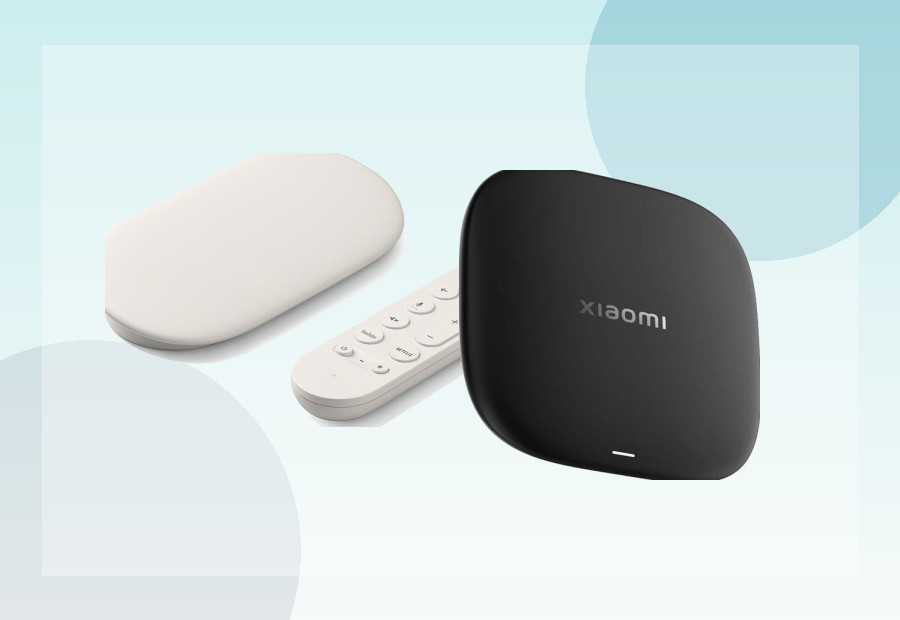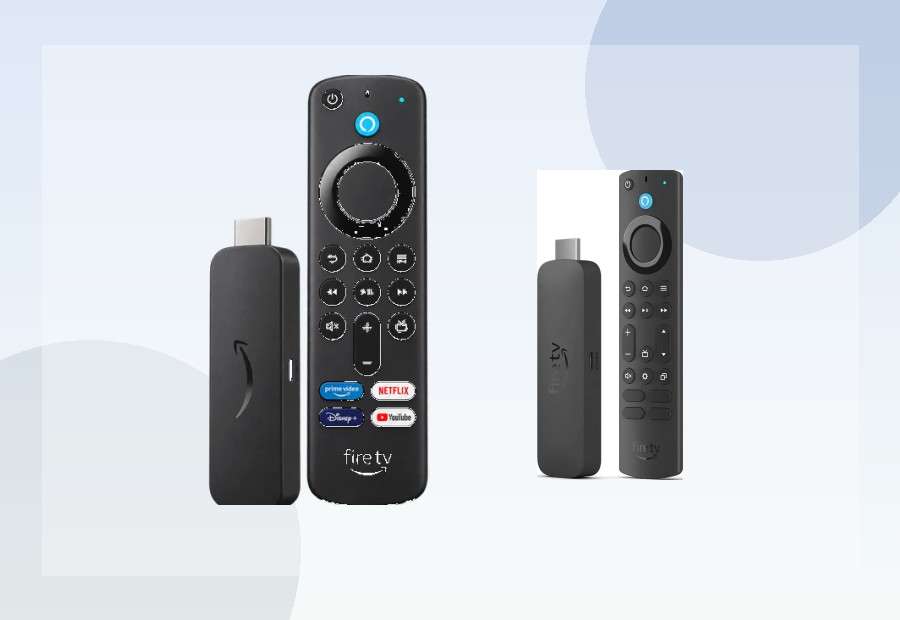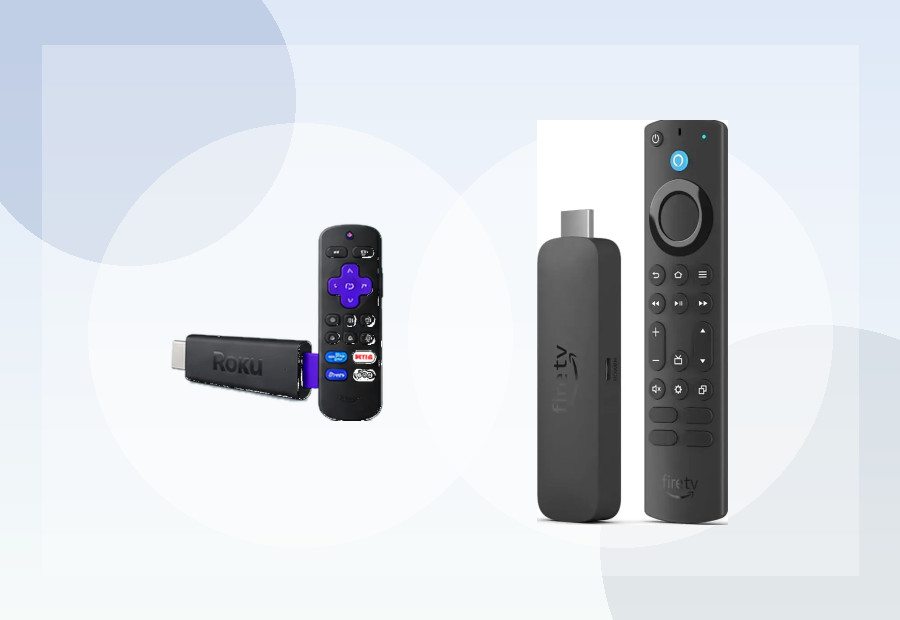
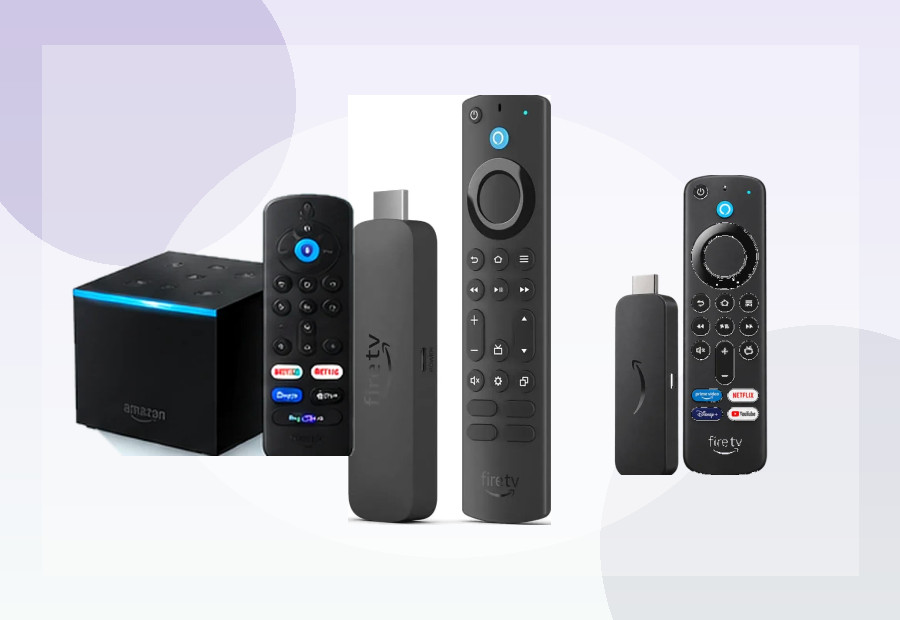
Roku and Amazon Fire TV are two of the easiest ways to upgrade an older television or replace a sluggish built-in smart-TV system. Both offer inexpensive streaming sticks, 4K playback and access to the major subscription services, but the experience is quite different.
This comparison focuses on the platforms rather than pretending one device is automatically best for everyone. For a personalised recommendation based on your TV, budget and connectivity needs, use the ViewHarbour Device Finder or compare individual models in the comparison tool.
The short version
Choose Roku if you value a simple, neutral interface and want a straightforward streaming device with minimal ecosystem pressure. Choose Fire TV if you already use Alexa or Amazon services, want a broader range of Amazon hardware choices, or prefer the deeper smart-home integration that comes with Fire TV.
If Roku is currently your frontrunner, our Roku UK 2026 buying guide compares the current Roku range and prices. If Fire TV is your frontrunner, see Fire TV Stick 4K Max vs 4K Plus UK.
Roku: the simpler approach
Roku’s biggest strength is simplicity. The home screen is built around installed streaming channels rather than trying to make one subscription ecosystem the centre of the experience. For households that mainly want Netflix, Disney+, BBC iPlayer, ITVX, Channel 4, YouTube and similar mainstream services, that can make Roku feel easier to understand.
The Roku Streaming Stick 4K remains the strongest Roku option in the current ViewHarbour database. Roku lists support for 4K, HDR10+ and Dolby Vision, along with a long-range Wi-Fi receiver and a voice remote with TV controls. Its slim design is also useful when the device needs to stay hidden behind a wall-mounted television.
Roku is less suitable if you want advanced app installation flexibility or hardware expansion. It is deliberately a more controlled platform, which is part of why it can feel so straightforward.
Fire TV: stronger Amazon integration
Fire TV makes the most sense for households already invested in Amazon. Alexa is integrated throughout the platform, Prime Video is prominent, and Amazon offers a wider hardware ladder ranging from value-focused Fire TV Sticks to the more powerful Fire TV Cube.
Current higher-end Fire TV hardware also gives buyers features such as Dolby Vision, Dolby Atmos support on compatible content, and faster wireless standards on selected models. The Fire TV Stick 4K Max is particularly useful for buyers who want more storage than entry-level streaming sticks, while the Fire TV Cube targets a more permanent living-room setup with additional connectivity and hands-free Alexa features.
The trade-off is that Fire TV’s interface is more Amazon-centred. Buyers who prefer a neutral launcher may find Roku calmer and easier to navigate.
Which is better for UK streaming apps?
For ordinary UK streaming, both platforms cover the services most households care about. App availability can change, so buyers with one essential niche service should always check that service’s current device support before purchasing.
For mainstream use, the decision is therefore less about whether Netflix or BBC iPlayer exists and more about how you want the television to feel day to day. Roku prioritises a simple channel grid; Fire TV integrates content discovery, Amazon services and Alexa more deeply.
Picture quality
Do not choose purely on a generic “4K” label. The television and the specific player both matter. Roku’s Streaming Stick 4K supports Dolby Vision and HDR10+, while current premium Fire TV devices also support major HDR formats including Dolby Vision on compatible models.
If HDR format support matters to you, compare the exact device rather than the ecosystem name. ViewHarbour’s Compare page is designed for this kind of model-to-model decision.
Which is better for Alexa and smart-home use?
Fire TV wins clearly here. Alexa is one of the main reasons to choose Amazon’s platform. If your household already uses Echo speakers, Ring devices or Alexa routines, Fire TV fits naturally into that setup.
Roku supports voice control through its own remotes and selected integrations, but smart-home integration is not the main reason to buy it.
Which is better for travel?
Both companies sell compact sticks, but Roku’s simple interface makes it especially appealing as a secondary or travel device. The Roku Streaming Stick 4K is small and plugs directly into HDMI, while Amazon’s Fire TV Stick range is similarly portable.
Remember that hotel and guest Wi-Fi networks can require browser-based sign-in pages, and not every network behaves well with streaming hardware. A compact device is useful, but connectivity at the destination still matters.
Which is better for app flexibility?
Fire TV app flexibility now depends on the exact model. Fire OS models such as the 4K Plus, 4K Max and Cube remain Android-based and can offer more advanced installation options than Roku. The Fire TV Stick 4K Select runs Vega OS 1.1 instead, so Android APK and older Fire OS sideloading guidance should not be assumed to apply. If app flexibility matters to you, compare the specific device rather than choosing by the Fire TV brand alone.
Roku vs Fire TV: who should buy what?
- Buy Roku if you want the simplest mainstream interface and do not care about Amazon ecosystem features.
- Buy Fire TV if you use Alexa, Prime Video heavily, or want more choice between mainstream and premium Amazon hardware.
- Consider Google TV instead if Google services, Chromecast-style casting or broader Android-style app flexibility are higher priorities.
- Consider Manhattan Aero if your main goal is UK live television over broadband without an aerial rather than app-first streaming.
Final verdict
There is no universal winner. Roku is the cleaner recommendation for buyers who want streaming to stay simple. Fire TV is the stronger ecosystem choice for Amazon households and users who value Alexa integration and a broader hardware range.
If you are still undecided, start with the free Device Finder. It scores the devices in our catalogue against your actual priorities rather than assuming the most expensive model is automatically best.
Related comparisons and reviews
- Roku UK 2026: Best Roku Streaming Devices
- Fire TV Stick 4K Max vs 4K Plus UK 2026
- Roku Streaming Stick Plus vs Fire TV Stick 4K Max UK
- Roku Streaming Stick Plus Review UK
- Best Streaming Sticks UK 2026
ViewHarbour rankings and recommendations are editorial and affiliate-neutral. Features and app availability can change, so important requirements should be checked against the manufacturer’s current product information before purchase.