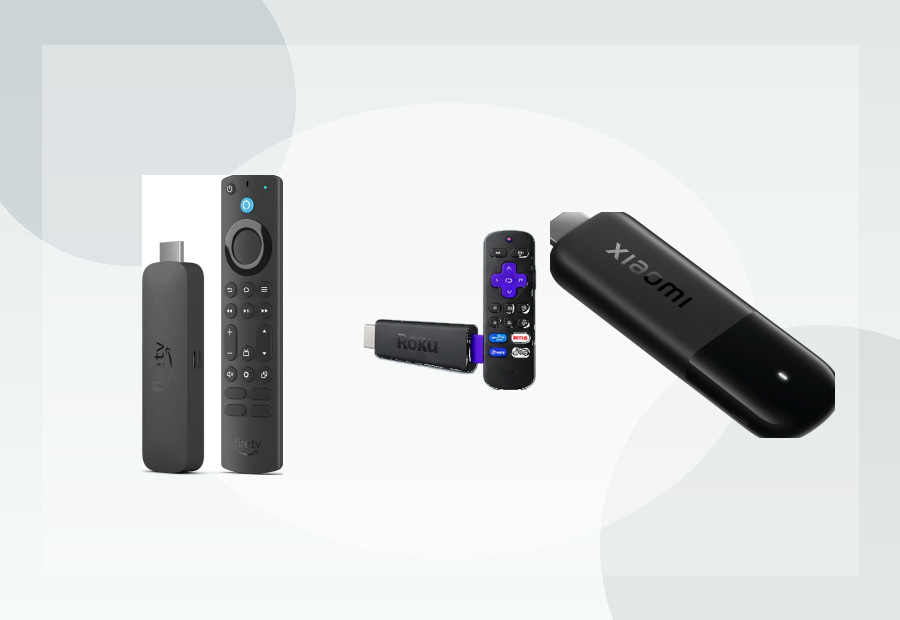
An older television does not automatically need replacing. If it has a working HDMI input, a modern streaming device can add current apps, faster menus and voice search for far less than the cost of a new TV.
In short: for a simple HD television, a current HD stick can be enough. For an older 4K TV, a 4K Roku, Fire TV or Google TV device can make sense. The most important checks are HDMI, power, resolution and whether the platform supports the apps you use.
First check: does the TV have HDMI?
Most current streaming sticks and boxes connect through HDMI. If your TV has no HDMI input and only older connections such as SCART, a modern streamer is not a straightforward plug-and-play upgrade.
If HDMI is present, the age of the TV matters much less. A streamer handles the apps and interface while the television simply displays the picture.
Do you need 4K on an older TV?
If the TV is only 1080p HD, buying a premium 4K streamer will not turn the panel into a 4K television. It may still make sense for performance or future reuse, but you do not need 4K purely for compatibility.
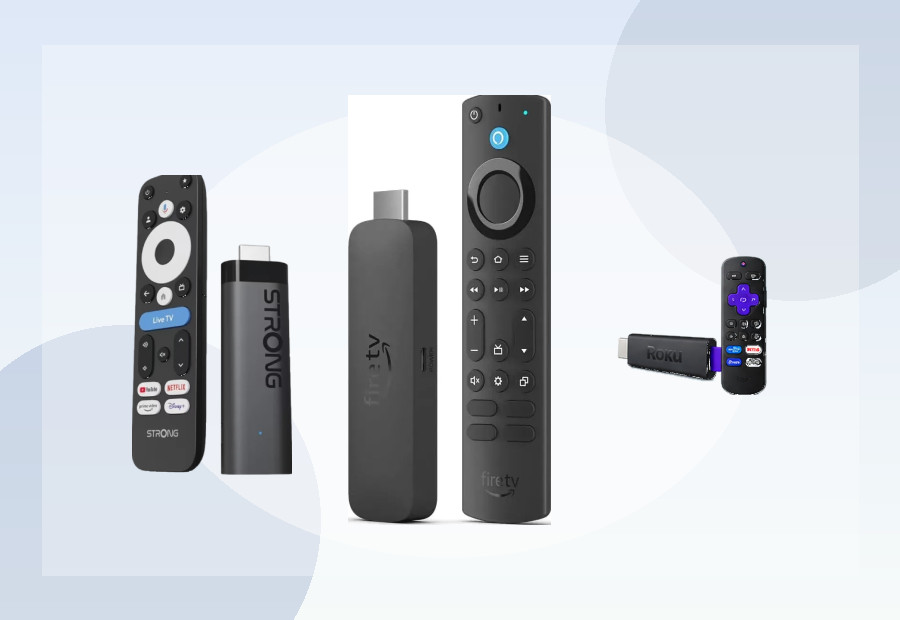
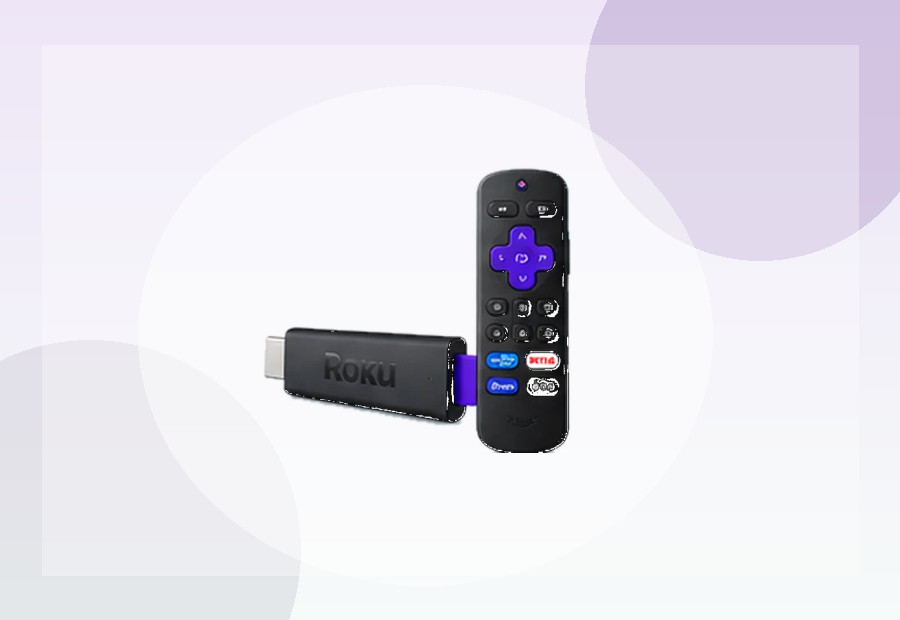
Roku currently sells a Streaming Stick (HD) aimed at 1080p televisions and a Streaming Stick Plus for 4K HDR sets. That is a good example of matching the device to the screen rather than paying for a resolution the TV cannot display.
Best for the simplest interface: Roku
Roku’s interface is one of the easiest to recommend when the priority is getting to apps quickly. It is built around a straightforward grid rather than a heavily personalised home screen. For less technical users, that simplicity can matter more than extra processor speed.
If the TV is 4K and you want Dolby Vision, our Roku Streaming Stick 4K review explains the higher-tier option. For a newer simple 4K stick, the Roku Streaming Stick Plus is another strong candidate.
Best for Alexa households: Fire TV
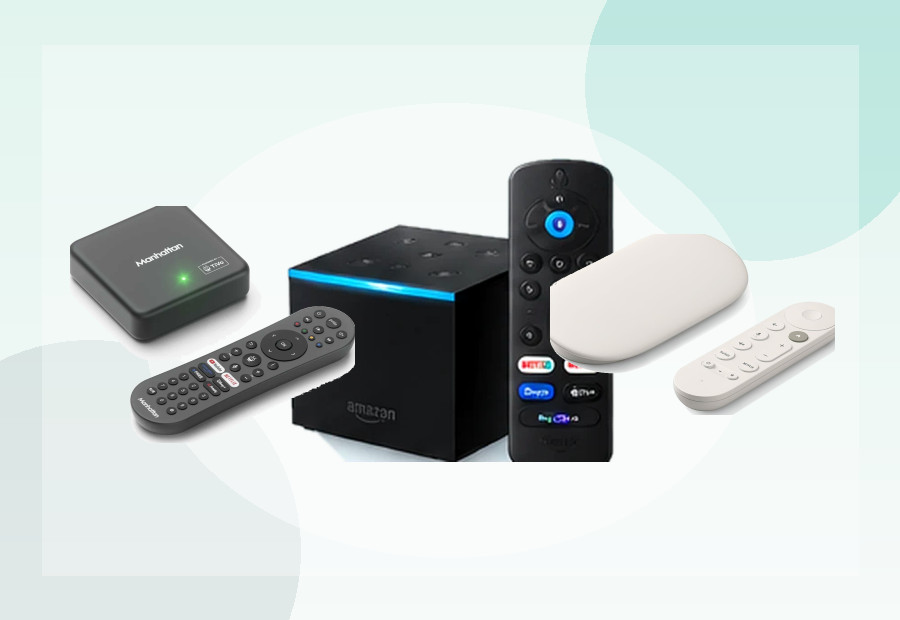
Fire TV is a good fit if the household already uses Alexa or Prime Video. Amazon’s voice remote can make an older television feel much more modern, especially when typing with a remote is frustrating.
The trade-off is a busier interface than Roku. If you are choosing between the two platforms, read Roku vs Fire TV UK.
Best for Google users: Google TV
Google TV is useful if you already use Google services, casting or Android phones. For an older television, a compact Google TV stick such as the Xiaomi TV Stick 4K (2nd Gen) can add a modern Google TV interface without taking up shelf space.
What if the TV’s built-in apps have stopped working?
This is one of the best reasons to add a streamer. Smart-TV apps can lose support while the panel itself still works perfectly. A separate streaming device moves the app platform outside the television, so you can replace the streamer later without replacing the screen.
Power can matter on older televisions
Some sticks can run from a TV USB port, but not every television supplies enough power. If a device behaves unreliably, restarts or shows a low-power warning, use the supplied wall adapter instead of assuming the streamer is faulty.
What about remote controls?
For an older TV, choose a streamer whose remote can control TV power and volume where supported. That reduces the need to juggle two remotes. Roku and Fire TV both offer models with TV-control buttons, while other platforms vary by device.
What should you buy?
- Older 1080p TV: a current HD stick is usually enough.
- Older 4K TV: choose a 4K streamer based on platform and HDR support.
- Least technical household: prioritise a simple interface and clear remote.
- Weak built-in smart-TV software: almost any current mainstream streamer can be a meaningful upgrade.
- No HDMI: do not buy a modern HDMI streamer without first solving the connection problem.
ViewHarbour recommendation
For an older TV, avoid overbuying. Start with the television’s actual resolution and ports, then choose the platform that will be easiest for the people using it. A simple, well-supported stick often makes more sense than the most powerful box on the market.
Use the Device Finder if you want ViewHarbour to narrow the options based on your TV and priorities.